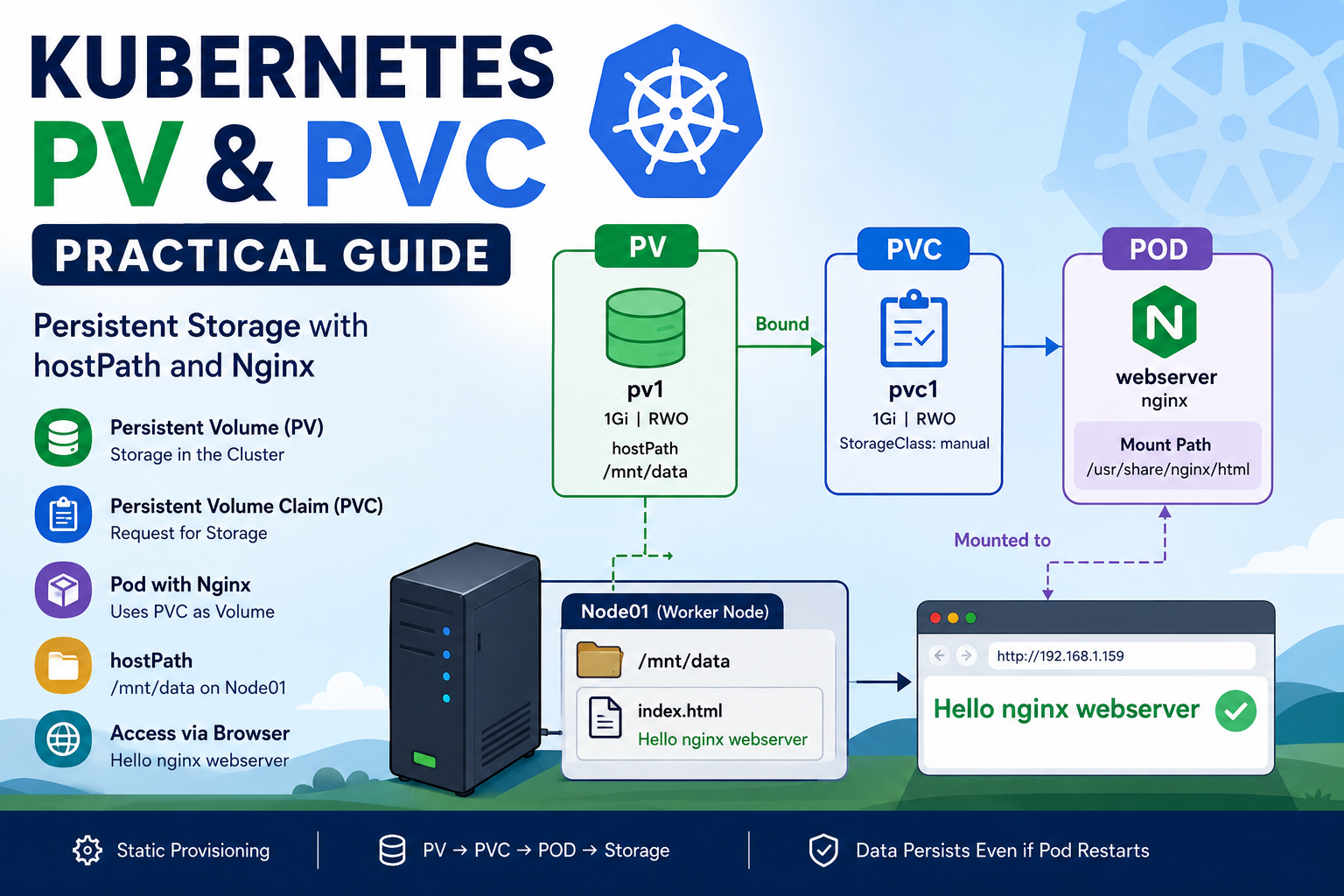
Kubernetes applications often need persistent storage to keep data even when containers restart or are recreated. Kubernetes provides Persistent Volumes (PV) and Persistent Volume Claims (PVC) to manage this storage. In this practical lab, we will create a PersistentVolume, create a PersistentVolumeClaim, attach the PVC to an Nginx Pod, and use a node’s /mnt/data directory as persistent storage through hostPath. What You Will Learn In this practical, we will understand:
Tag: kubernetes tutorial
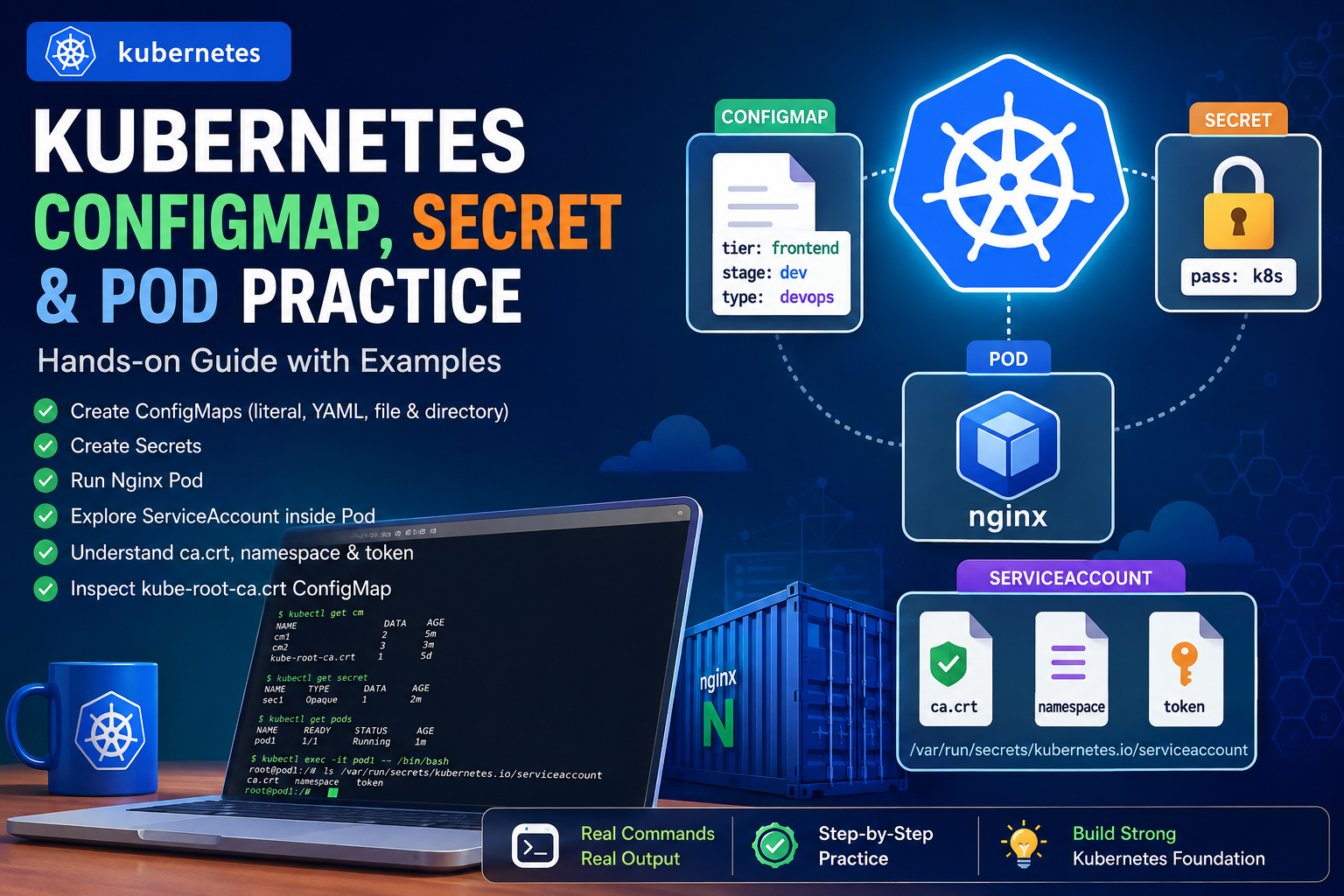
Kubernetes provides several powerful mechanisms for managing application configuration, sensitive information, containers, and access to the Kubernetes API. In this hands-on practice, I worked through: This article documents the complete workflow step by step. 1. Checking Existing ConfigMaps I started by checking the ConfigMaps already available in the namespace. Flow A ConfigMap is used to store non-sensitive configuration data separately from application code. 2. Creating a ConfigMap with Literal Values
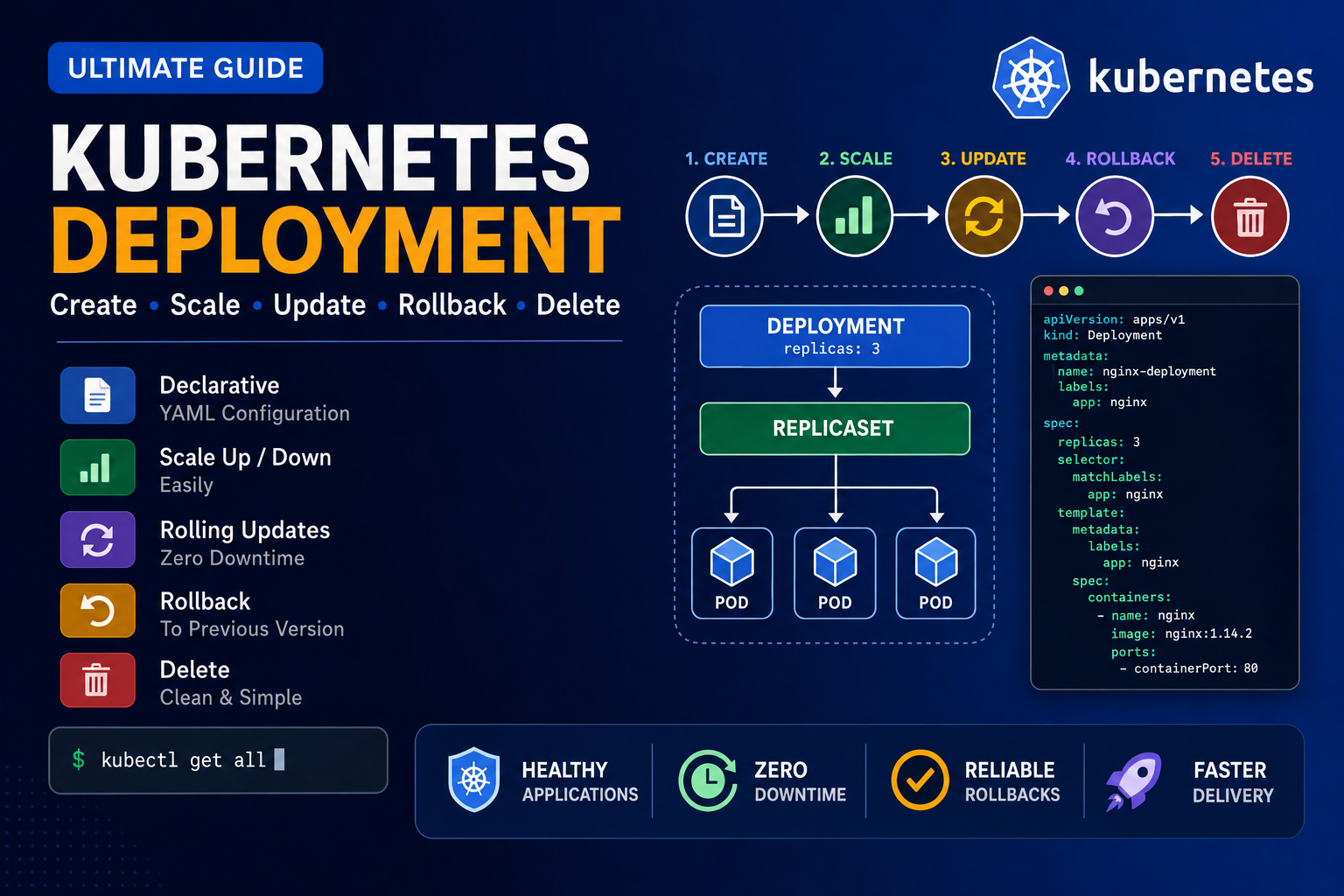
Below is the clean and correct command sequence for practicing Kubernetes Deployment, Scaling, Rolling Update, Rollout History, and Rollback. 1. Create a Deployment YAML file Use this YAML: Save and exit: 2. Create the Deployment Check the Deployment: Watch the Deployment: Press: to stop watching. 3. Check all resources Check Pods: Check ReplicaSets: 4. Learn kubectl create deployment Display help: Create another Deployment: Check all Deployments: Check only app1: 5.
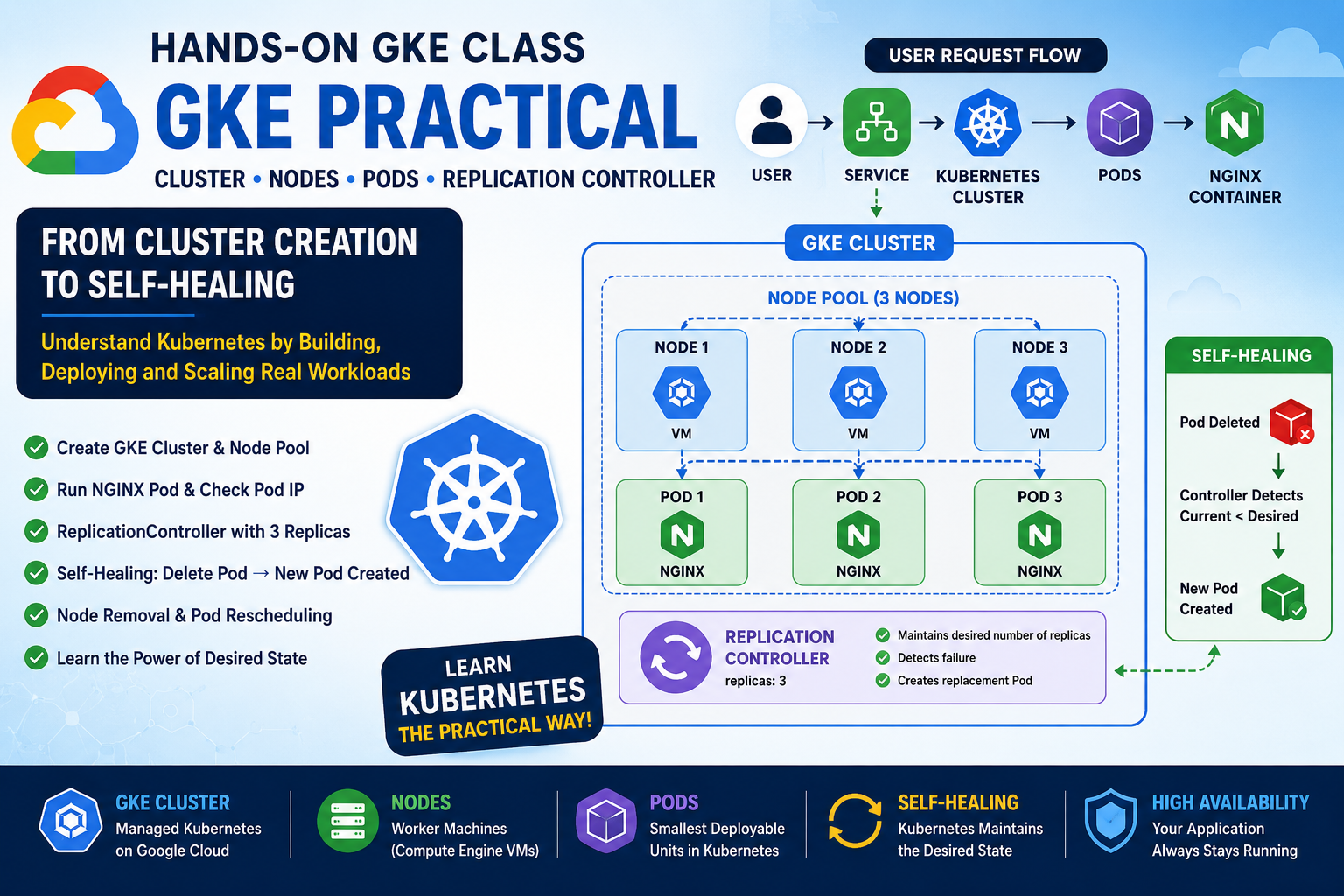
Google Kubernetes Engine (GKE) provides a managed Kubernetes environment on Google Cloud. In this hands-on class, I created a GKE Standard cluster, explored its nodes and underlying Compute Engine VMs, deployed an NGINX Pod, created a ReplicationController, tested self-healing, and finally simulated node removal. This practical exercise helped me understand an important Kubernetes principle: Kubernetes continuously works to maintain the desired state of our applications. 1. What is a Kubernetes
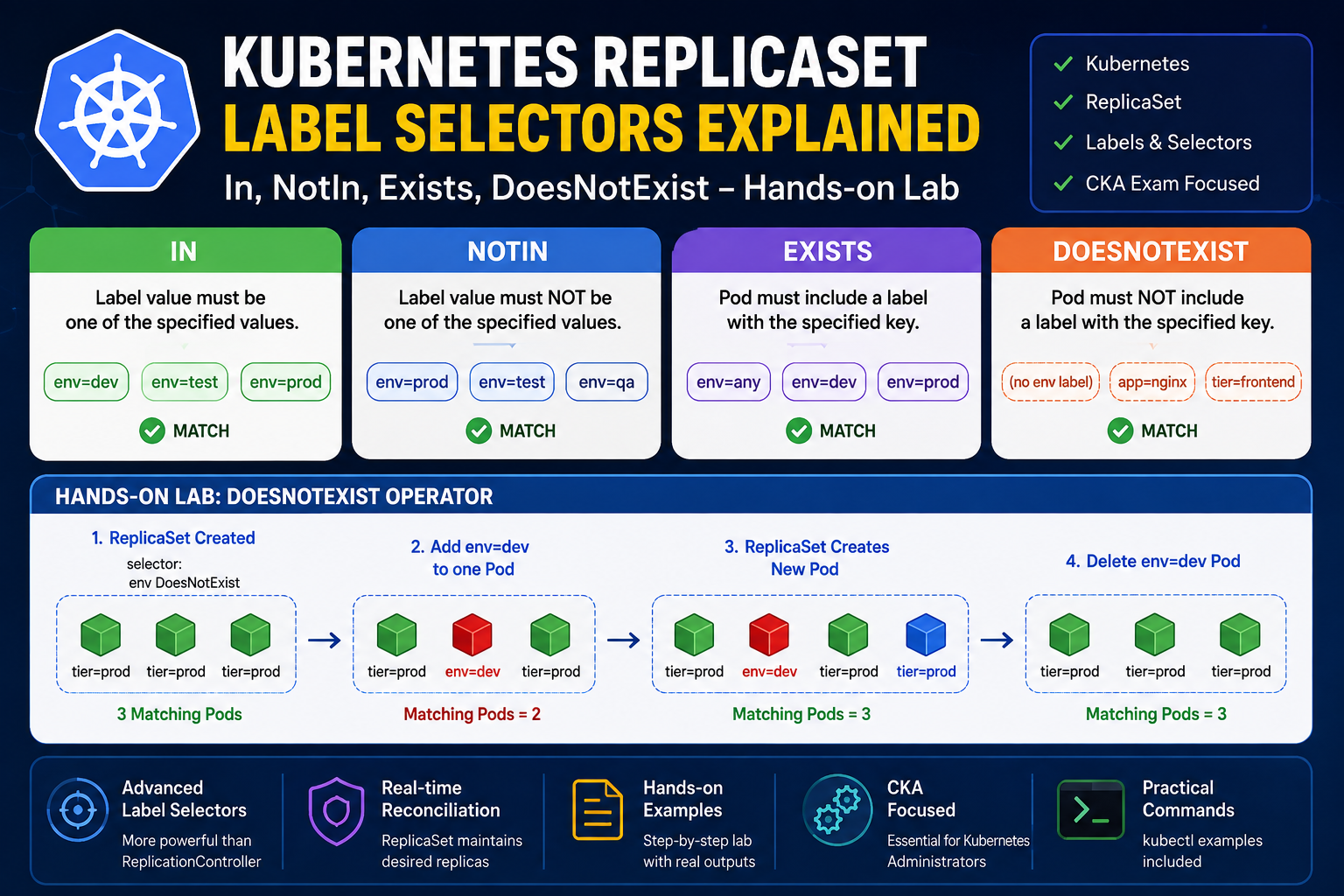
Category: Kubernetes, CKA, ReplicaSet, Labels, Selectors Introduction One of the biggest improvements of ReplicaSet over the old ReplicationController is its more expressive label selectors. ReplicationController supports only simple equality-based selectors such as: ReplicaSet introduces set-based selectors, allowing you to create much more flexible selection rules using matchExpressions. In this hands-on lab, we’ll explore all four ReplicaSet selector operators: We’ll also verify each operator by changing Pod labels and observing ReplicaSet’s
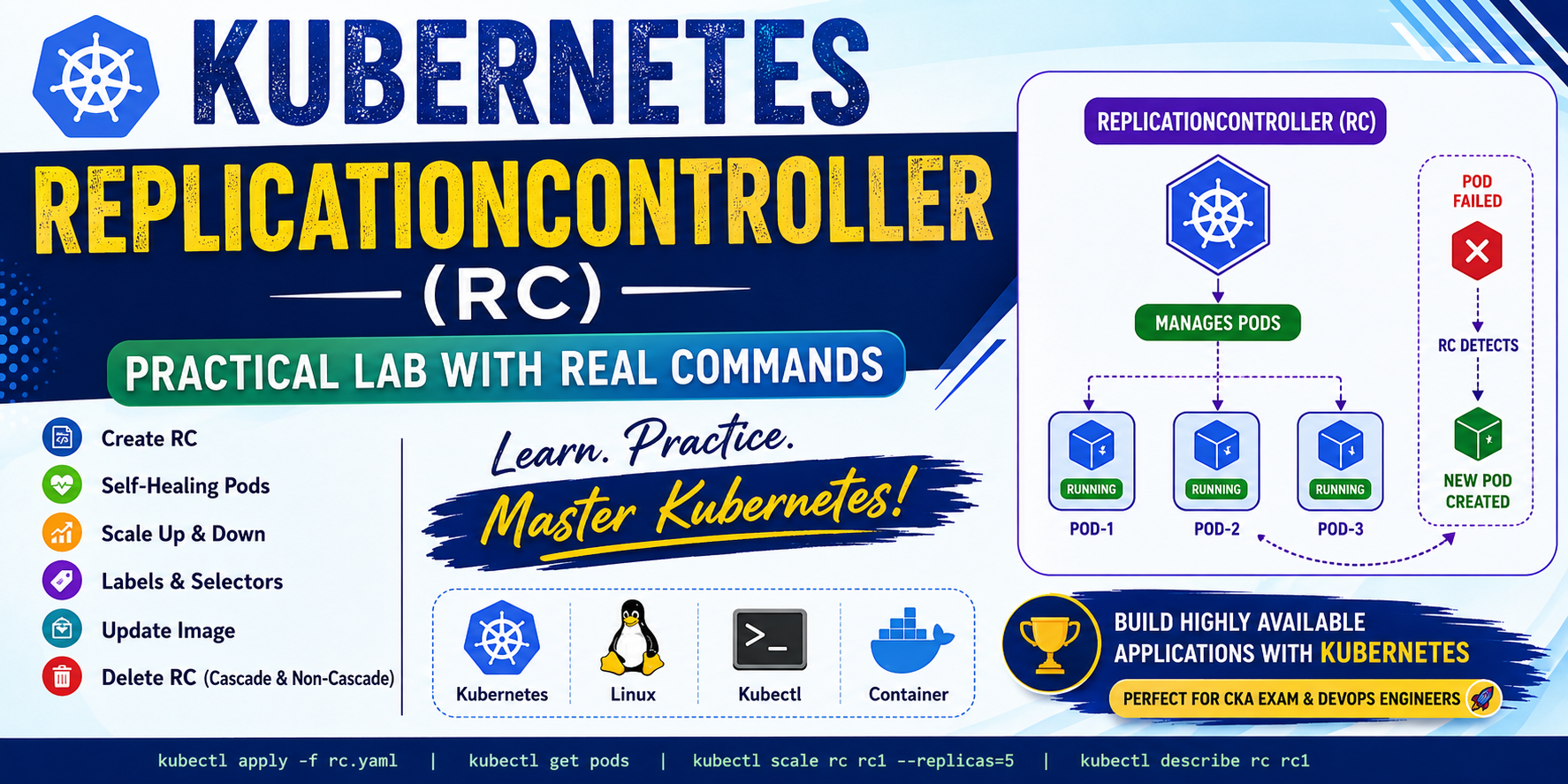
In this blog, I will demonstrate: What is ReplicationController? A ReplicationController (RC) ensures that a specified number of Pod replicas are always running. If a Pod crashes or is deleted accidentally, Kubernetes automatically creates another Pod. Responsibilities Lab-1: Create a Single Pod Create an nginx Pod. Output Check the Pod. Output Delete the Pod Output Check again. Output Notice that Kubernetes does not recreate the Pod because it is an