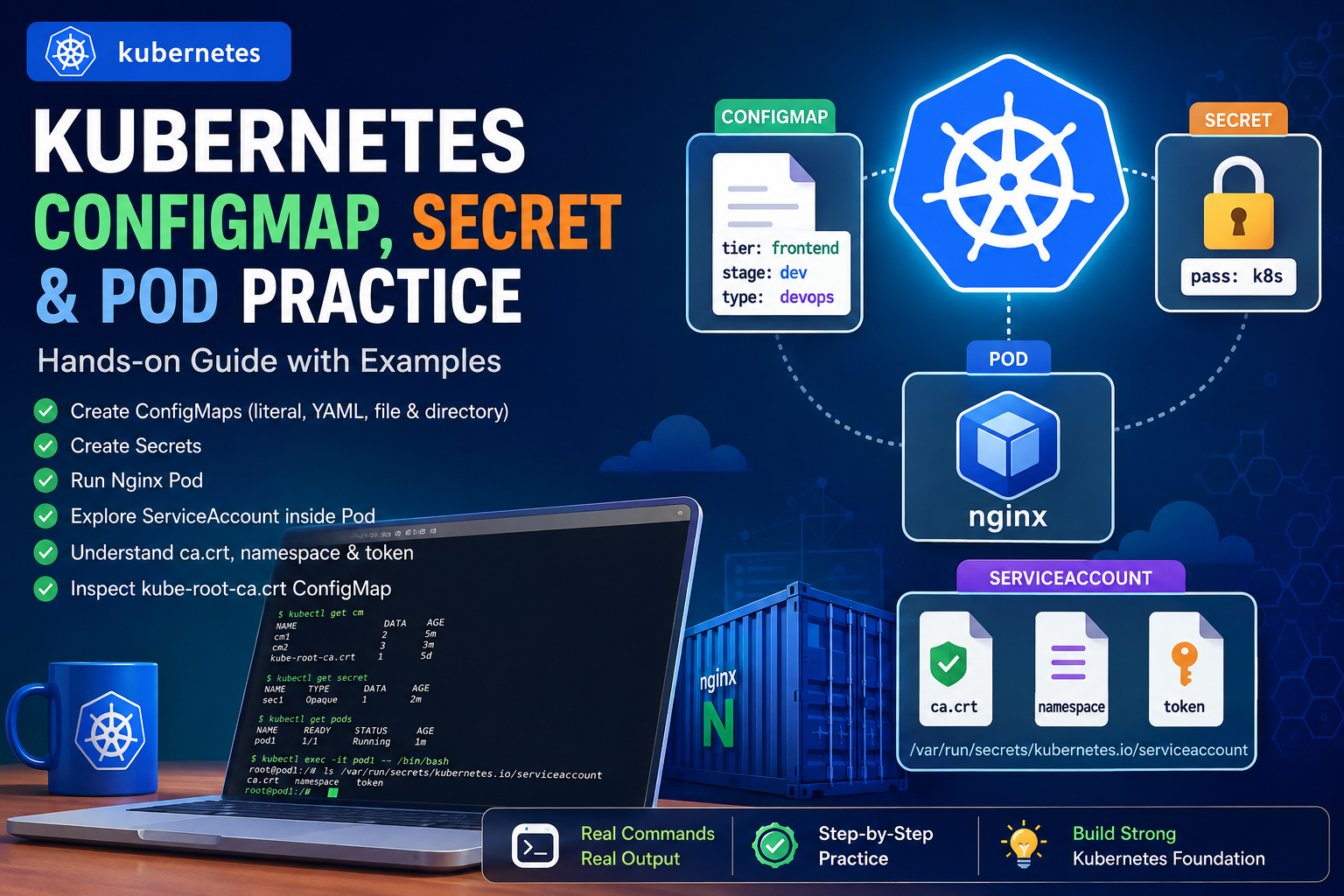
Kubernetes provides several powerful mechanisms for managing application configuration, sensitive information, containers, and access to the Kubernetes API. In this hands-on practice, I worked through: This article documents the complete workflow step by step. 1. Checking Existing ConfigMaps I started by checking the ConfigMaps already available in the namespace. Flow A ConfigMap is used to store non-sensitive configuration data separately from application code. 2. Creating a ConfigMap with Literal Values
Tag: Kubernetes Hands-On
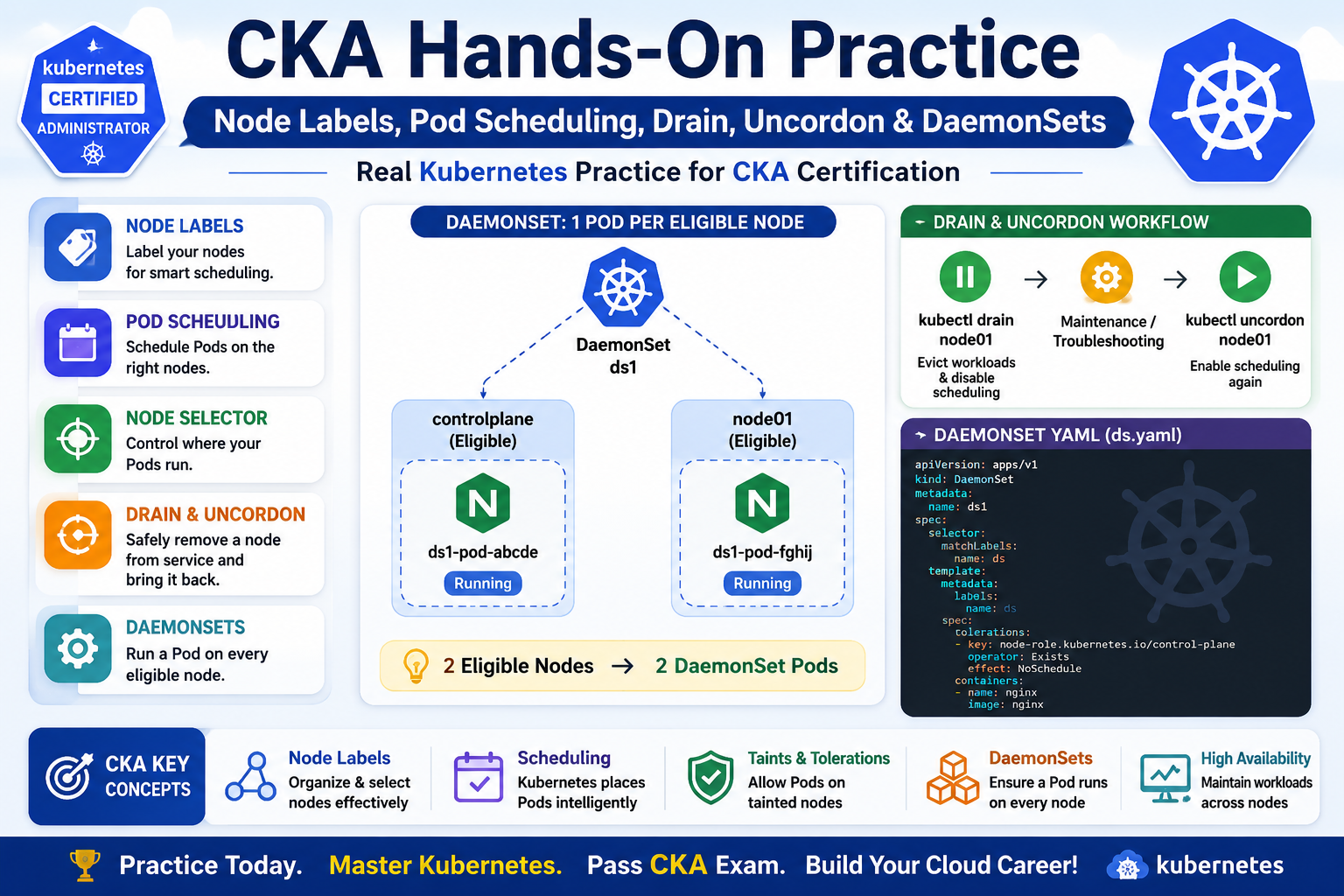
The main topics I practiced were: 1. Checking Kubernetes Nodes I started by checking the nodes in the cluster: kubectl get nodes Example: NAME STATUS ROLES VERSIONcontrolplane Ready control-plane v1.35.1node01 Ready <none> v1.35.1 My practice cluster contains two nodes: controlplanenode01 Both nodes were in the Ready state. 2. Working with Node Labels Next, I practiced Kubernetes node labels. First, I checked the existing labels: kubectl get nodes –show-labels Then I