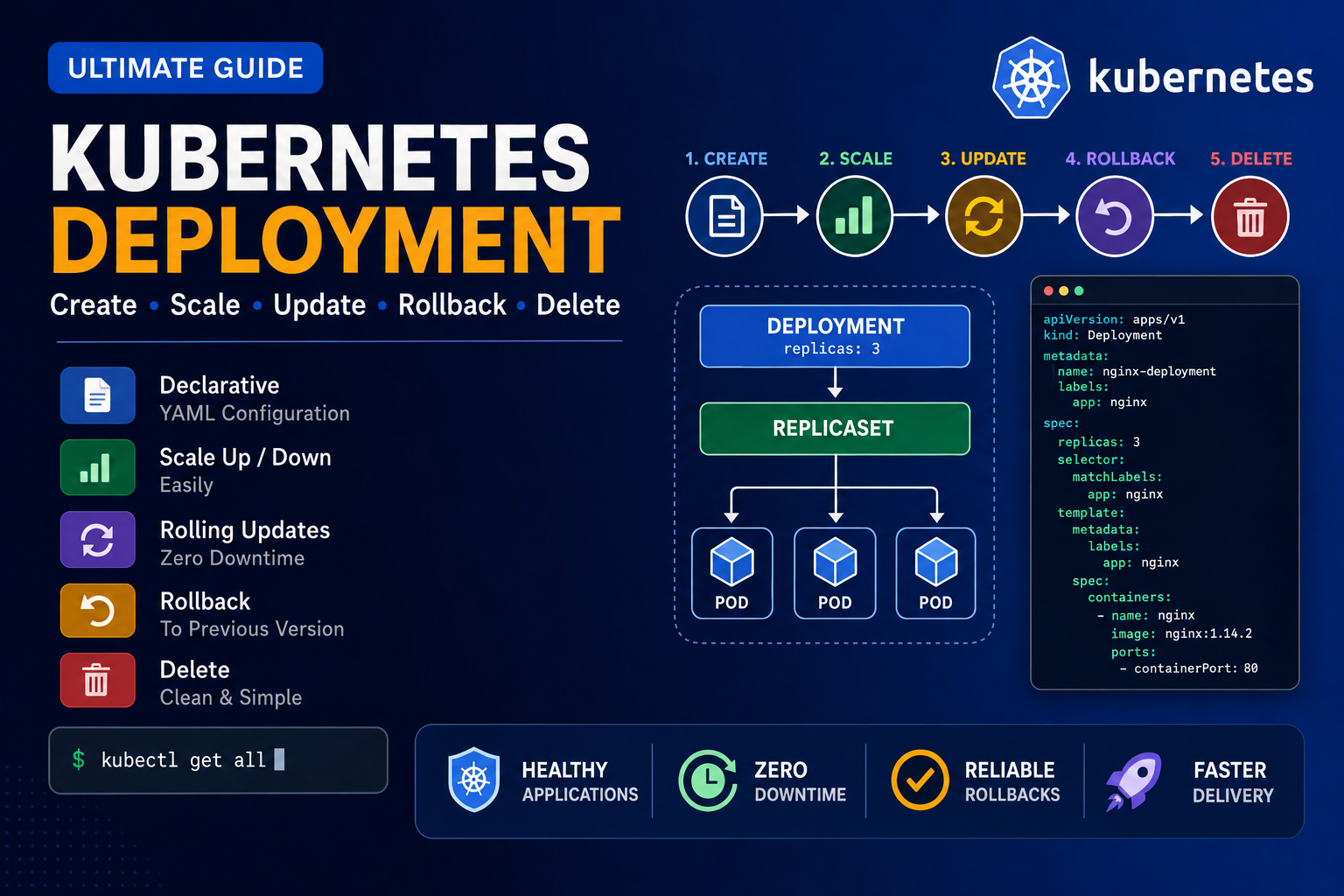
Below is the clean and correct command sequence for practicing Kubernetes Deployment, Scaling, Rolling Update, Rollout History, and Rollback. 1. Create a Deployment YAML file Use this YAML: Save and exit: 2. Create the Deployment Check the Deployment: Watch the Deployment: Press: to stop watching. 3. Check all resources Check Pods: Check ReplicaSets: 4. Learn kubectl create deployment Display help: Create another Deployment: Check all Deployments: Check only app1: 5.
Tag: Kubernetes YAML
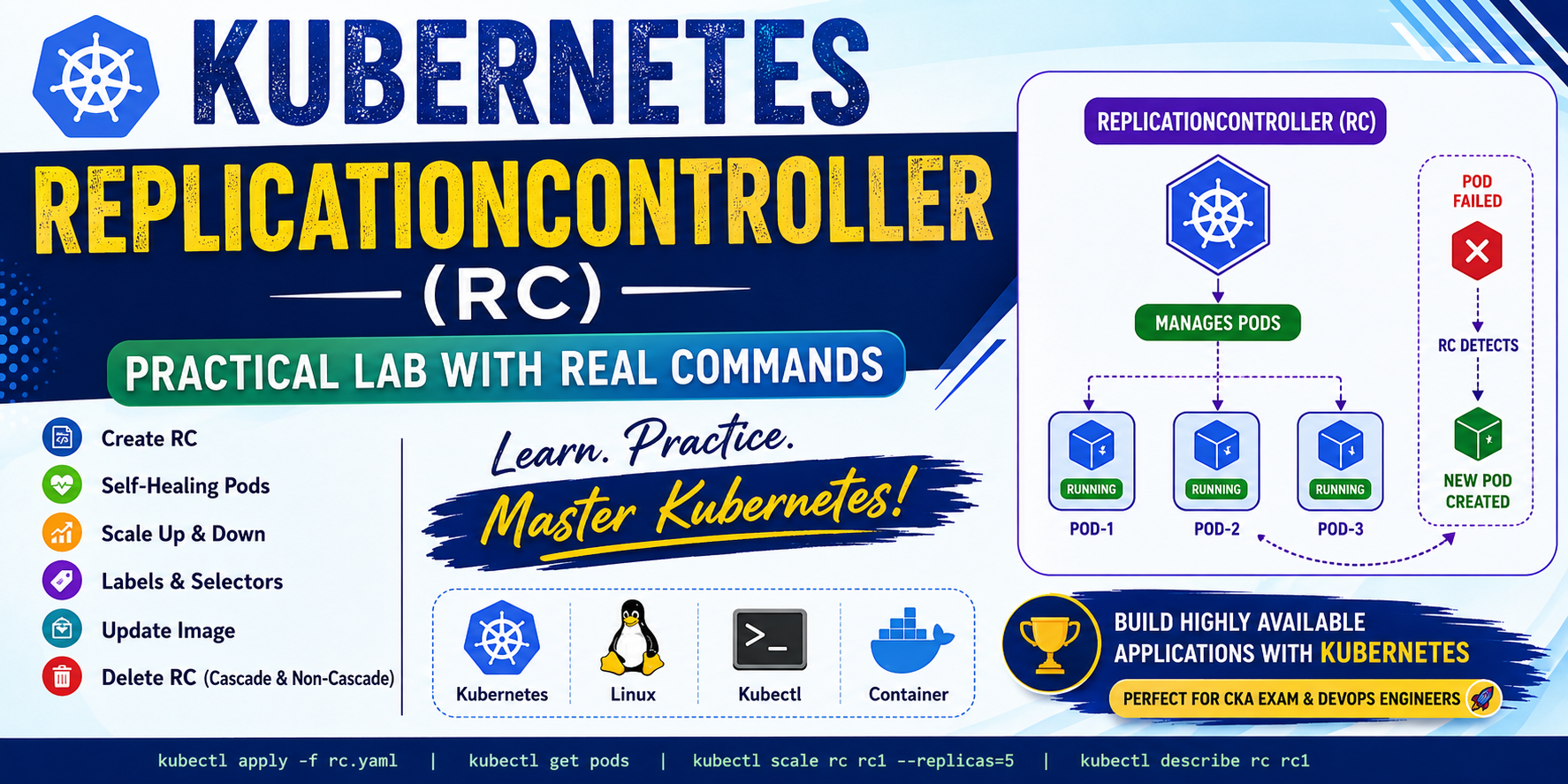
In this blog, I will demonstrate: What is ReplicationController? A ReplicationController (RC) ensures that a specified number of Pod replicas are always running. If a Pod crashes or is deleted accidentally, Kubernetes automatically creates another Pod. Responsibilities Lab-1: Create a Single Pod Create an nginx Pod. Output Check the Pod. Output Delete the Pod Output Check again. Output Notice that Kubernetes does not recreate the Pod because it is an
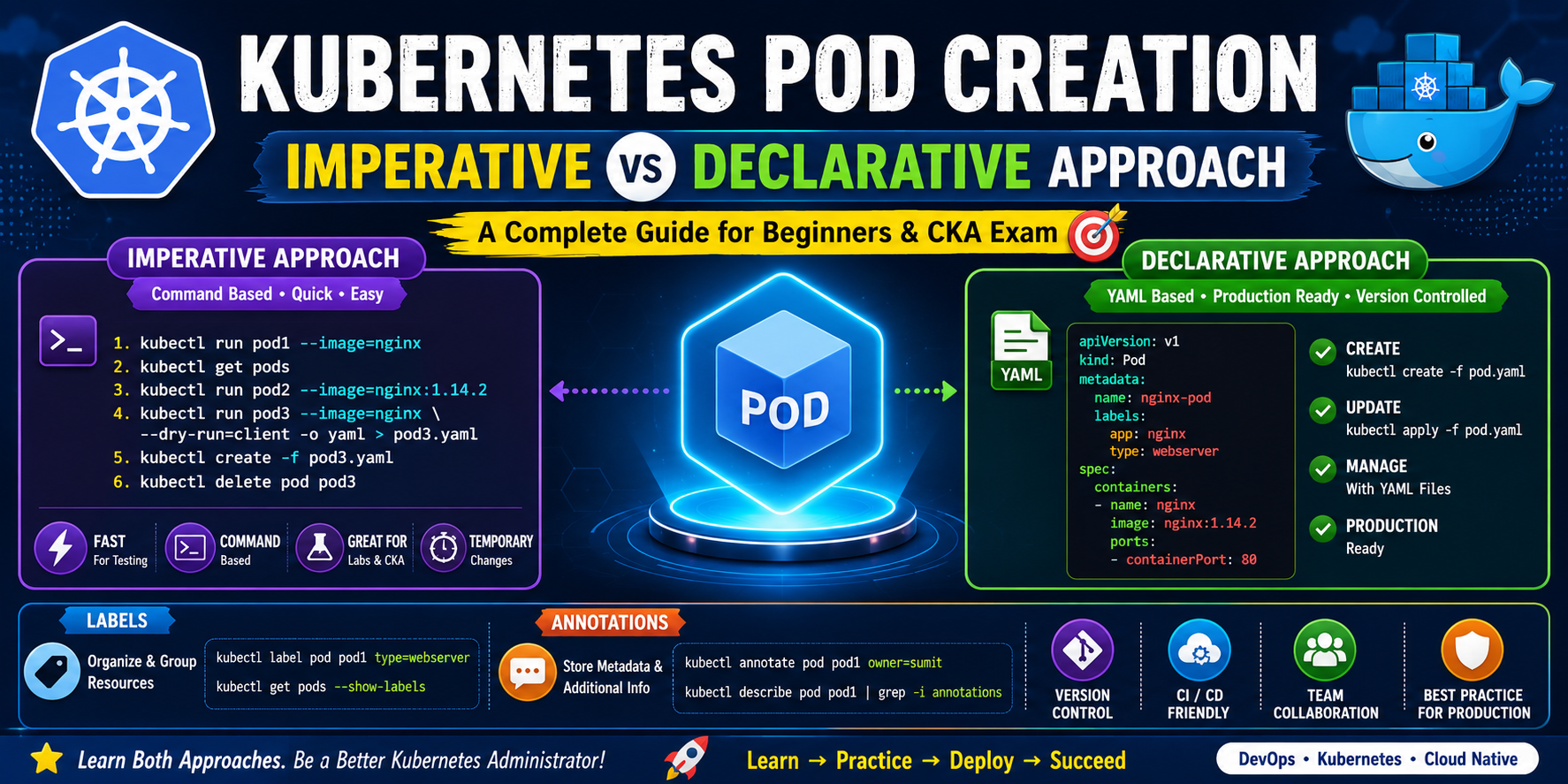
Level: Beginner → IntermediateCategory: Kubernetes | DevOps | CKA | DockerAuthor: Sumit Bera 📚 Introduction Kubernetes is an open-source container orchestration platform that automates the deployment, scaling, and management of containerized applications. Before learning Deployments, Services, ReplicaSets, or Ingress, you should first understand Pods, because every application in Kubernetes runs inside a Pod. There are two methods to create Kubernetes resources: Every Kubernetes Administrator should know both methods because they