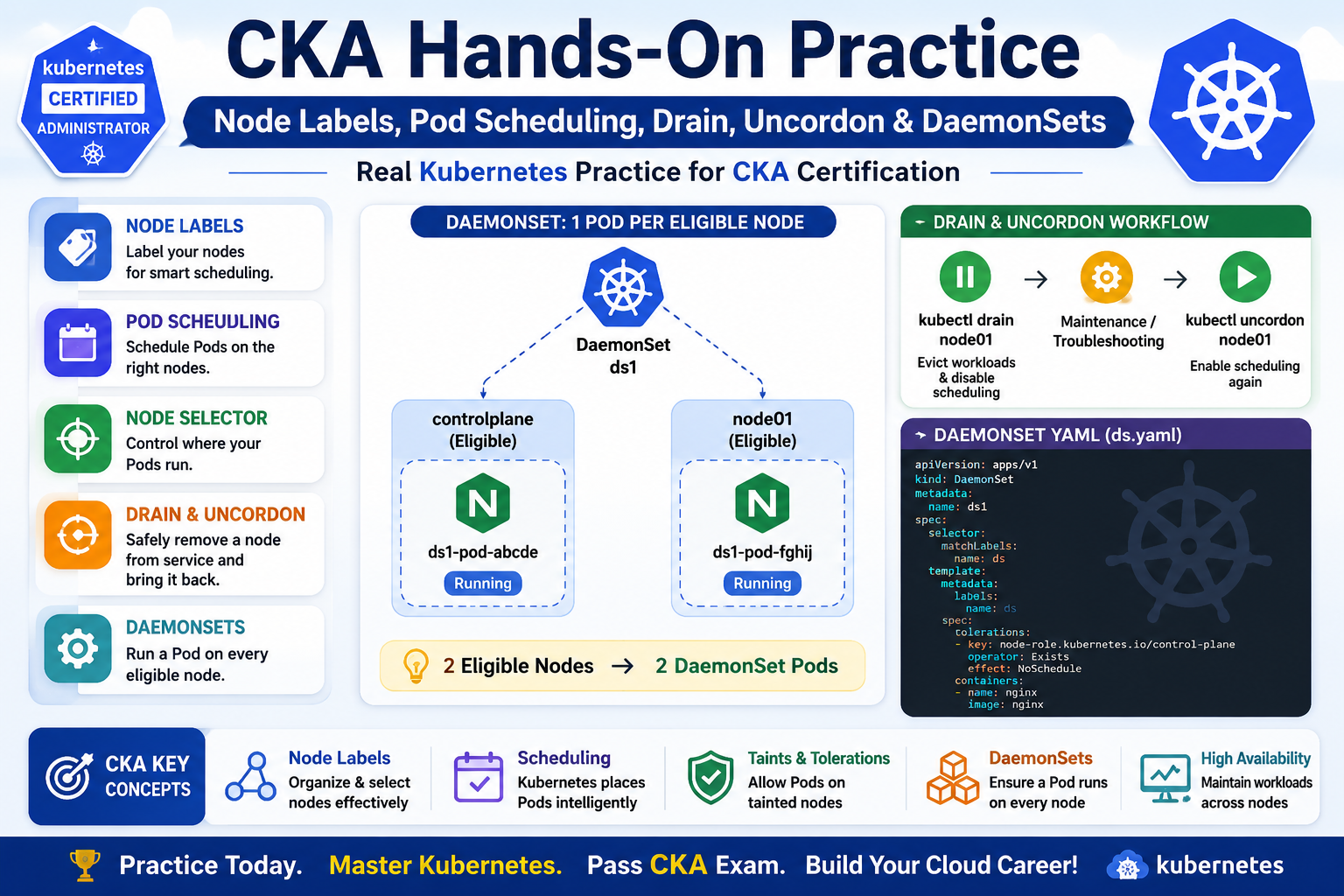
The main topics I practiced were: 1. Checking Kubernetes Nodes I started by checking the nodes in the cluster: kubectl get nodes Example: NAME STATUS ROLES VERSIONcontrolplane Ready control-plane v1.35.1node01 Ready <none> v1.35.1 My practice cluster contains two nodes: controlplanenode01 Both nodes were in the Ready state. 2. Working with Node Labels Next, I practiced Kubernetes node labels. First, I checked the existing labels: kubectl get nodes –show-labels Then I
Category: Uncategorized
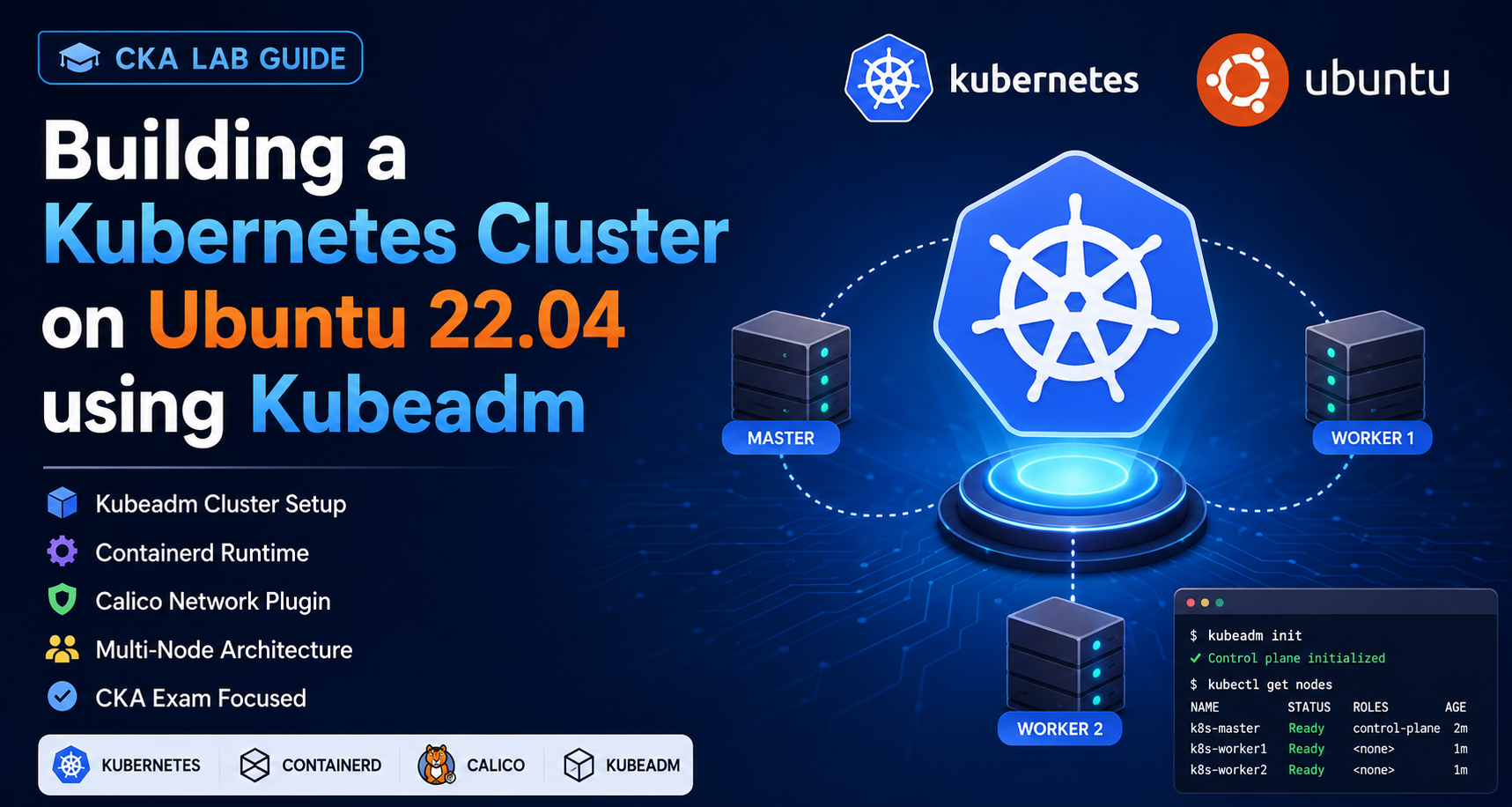
🌐 Introduction Kubernetes is the most popular container orchestration platform used by companies worldwide. As a CKA (Certified Kubernetes Administrator) candidate, one of the most important skills is building a Kubernetes cluster from scratch. In this lab, we will: ✅ Create a Kubernetes Cluster using Kubeadm✅ Install Containerd Runtime✅ Configure Kernel Modules✅ Install Kubernetes Components✅ Deploy Calico Network Plugin✅ Join Worker Nodes✅ Verify Cluster Health ☁️ Step 1: Create a
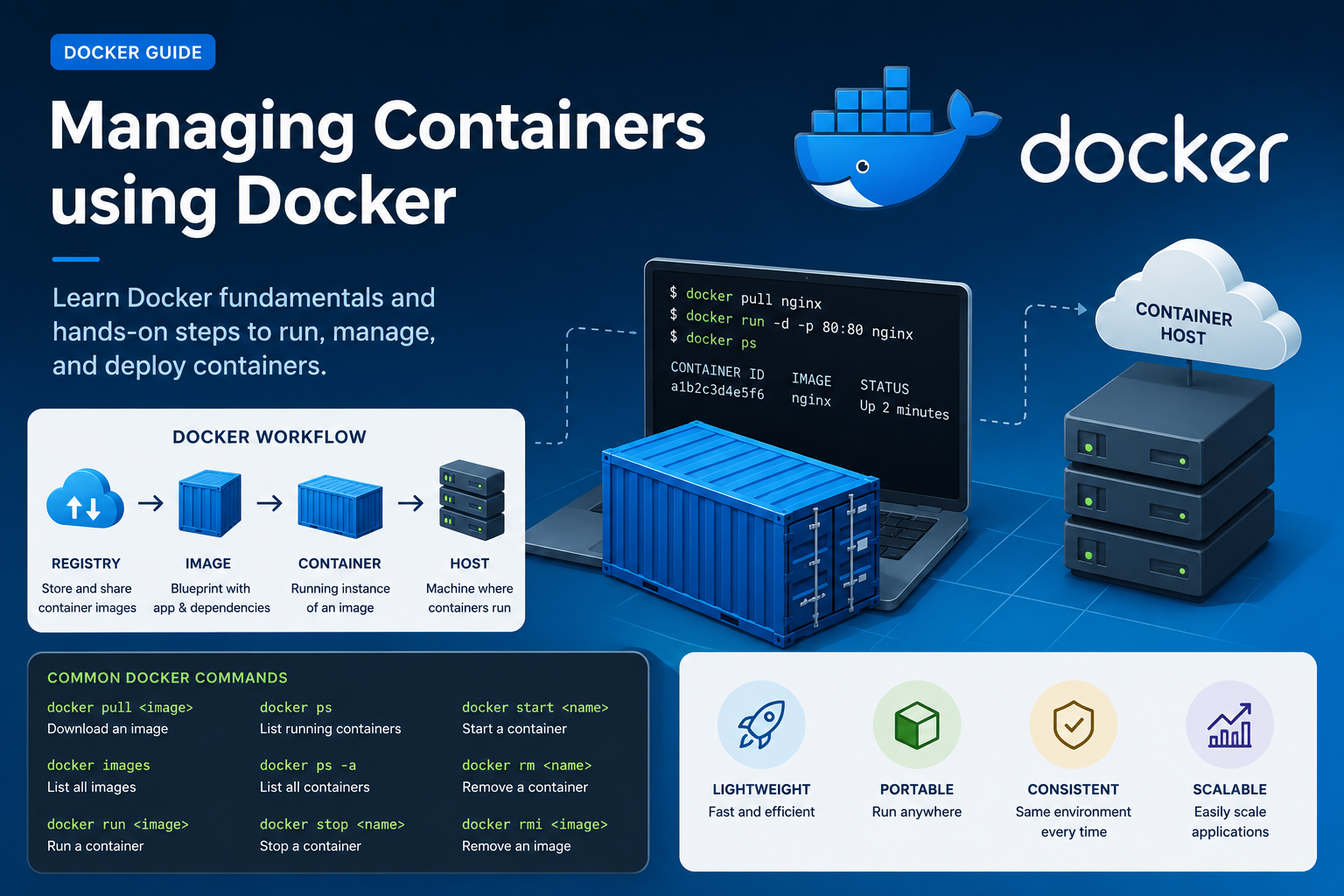
Docker has transformed the way applications are developed, shipped, and deployed. Instead of installing software directly on servers, developers now use lightweight containers that package applications along with all their dependencies. This makes applications portable, fast, and easy to manage. In this blog, we will learn the fundamentals of Docker, important container terminologies, and a hands-on lab to launch and manage containers using Docker on an AWS EC2 instance. What
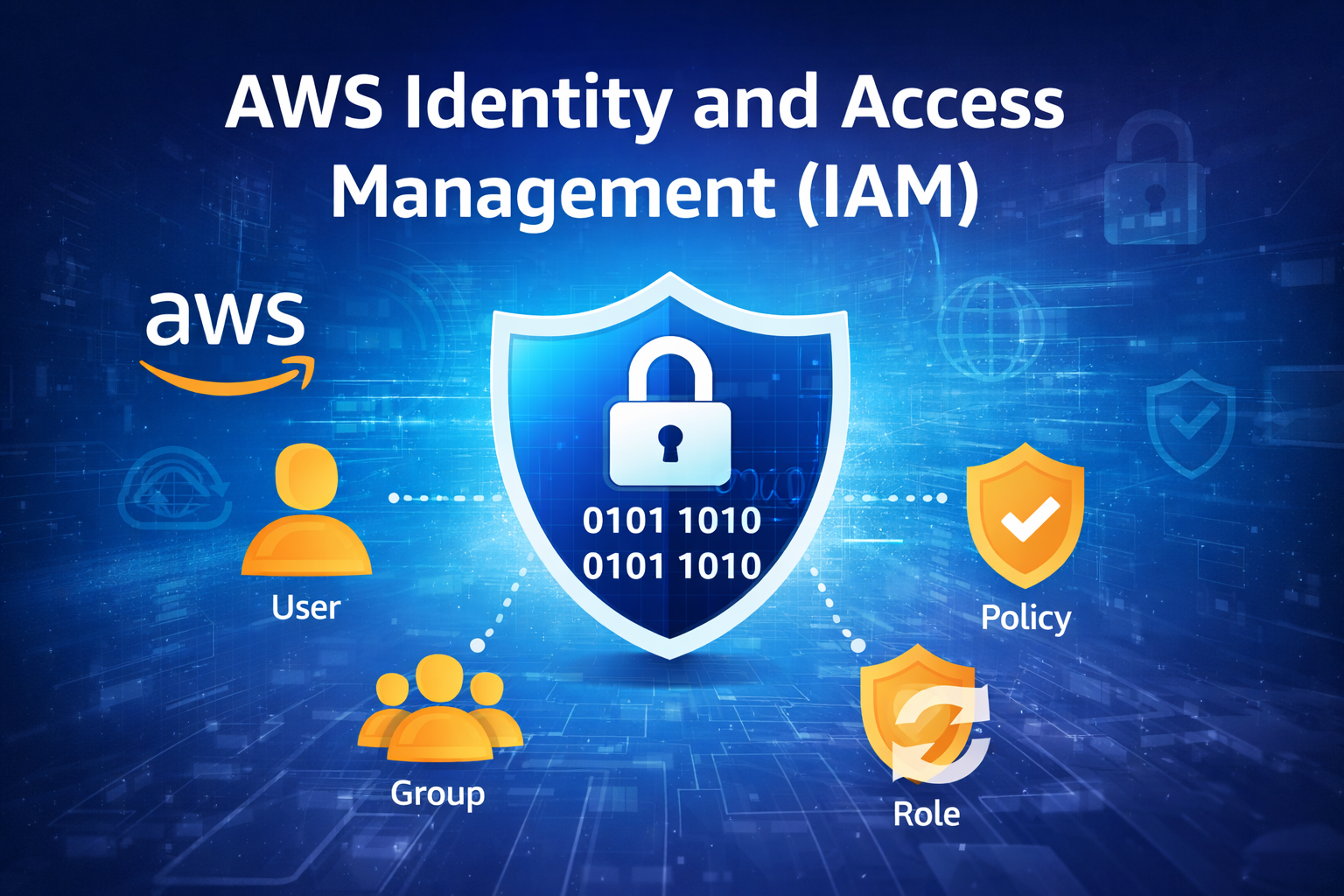
IAM is a service provided by Amazon Web Services that helps you securely control access to your AWS resources. 📖 Simple Definition 👉 IAM = Identity + Access Control System 🔑 Core Components of IAM 👤 Users 👥 Groups 📜 Policies 🔄 Roles 🔐 How IAM Works 🧠 Real Example 👉 IAM controls these permissions ⚙️ One-Line Summary 👉 IAM = Control over who can access AWS and what they
During installation the Magento 2.3.4 using Terminal in Ubuntu in my local system. I got the PHP Fatal error: Uncaught Error: Call to undefined function xdebug_disable() in vendor/magento/magento2-functional-testing-framework/src/Magento/FunctionalTestingFramework/_bootstrap.php:73 To remove this Error you have to follow steps:- Step1:- We have to go to the vendor/magento/magento2-functional-testing-framework/src/Magento/FunctionalTestingFramework/_bootstrap.php:73.

Nested Loop can be created inside WordPress theme templates using a combination of the main Loop and separate WP_Query instances. We can create a nested Loop to display related posts based on tags. Use the following codes:-