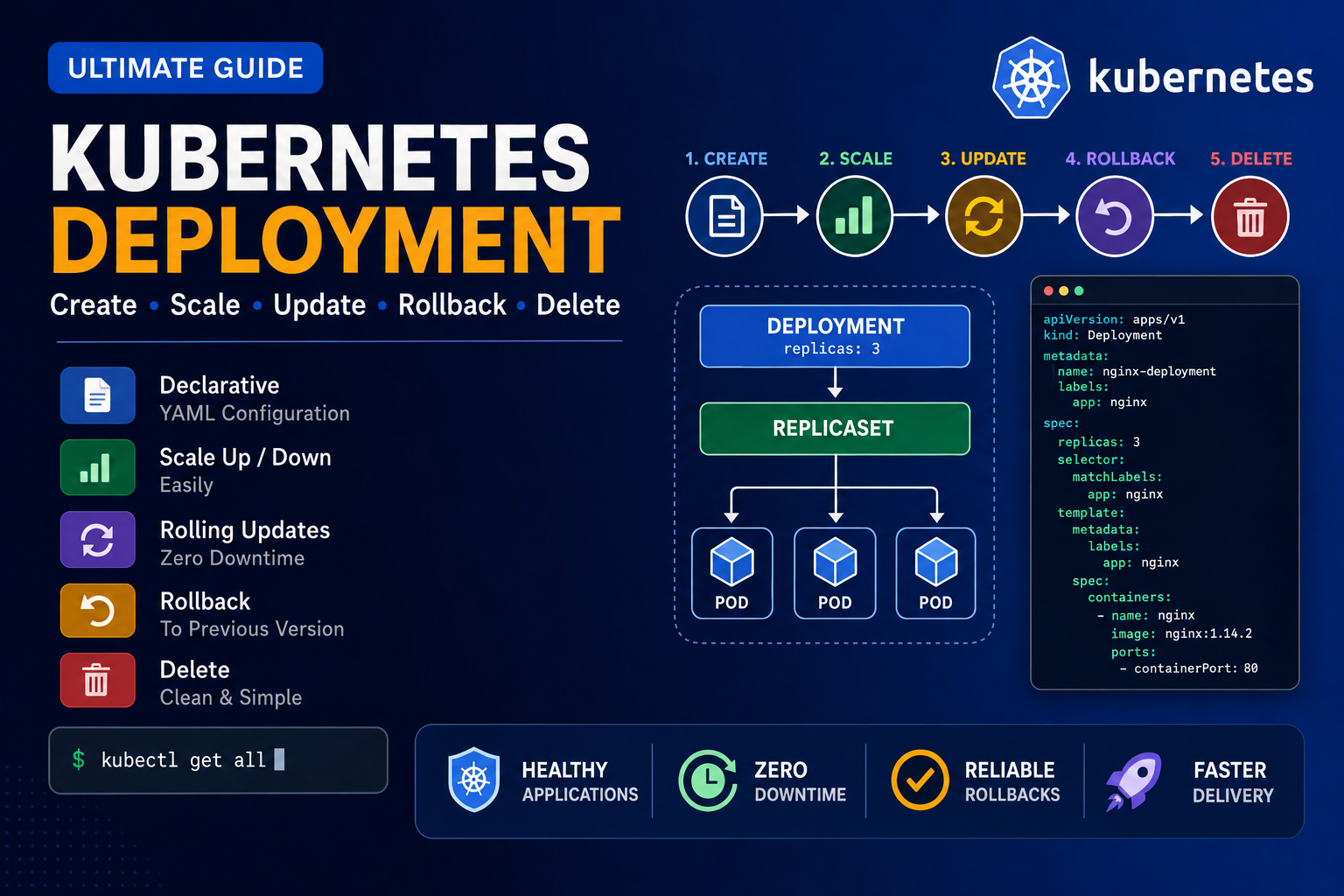
Below is the clean and correct command sequence for practicing Kubernetes Deployment, Scaling, Rolling Update, Rollout History, and Rollback. 1. Create a Deployment YAML file Use this YAML: Save and exit: 2. Create the Deployment Check the Deployment: Watch the Deployment: Press: to stop watching. 3. Check all resources Check Pods: Check ReplicaSets: 4. Learn kubectl create deployment Display help: Create another Deployment: Check all Deployments: Check only app1: 5.
Tag: Kubernetes Commands
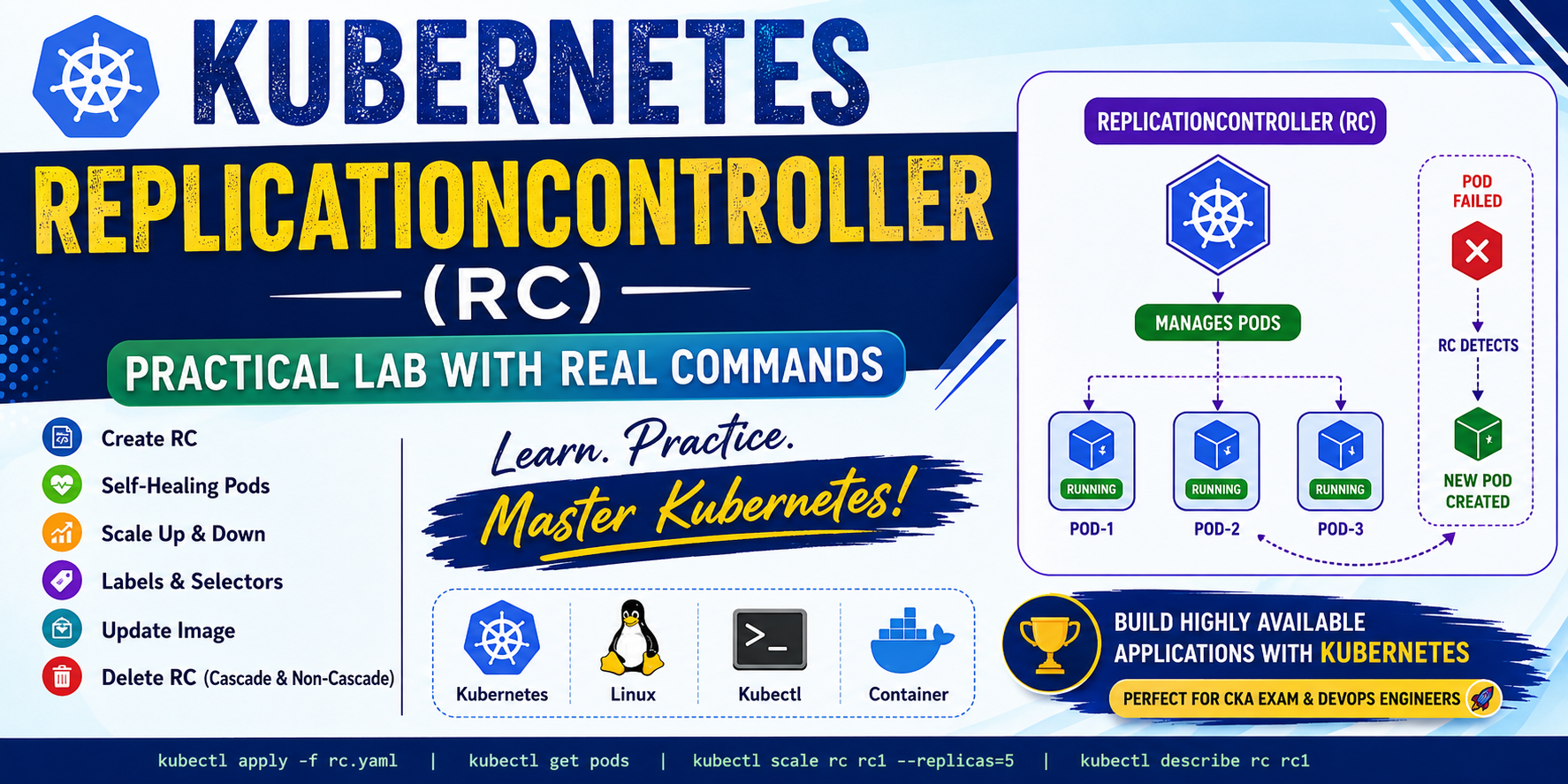
In this blog, I will demonstrate: What is ReplicationController? A ReplicationController (RC) ensures that a specified number of Pod replicas are always running. If a Pod crashes or is deleted accidentally, Kubernetes automatically creates another Pod. Responsibilities Lab-1: Create a Single Pod Create an nginx Pod. Output Check the Pod. Output Delete the Pod Output Check again. Output Notice that Kubernetes does not recreate the Pod because it is an
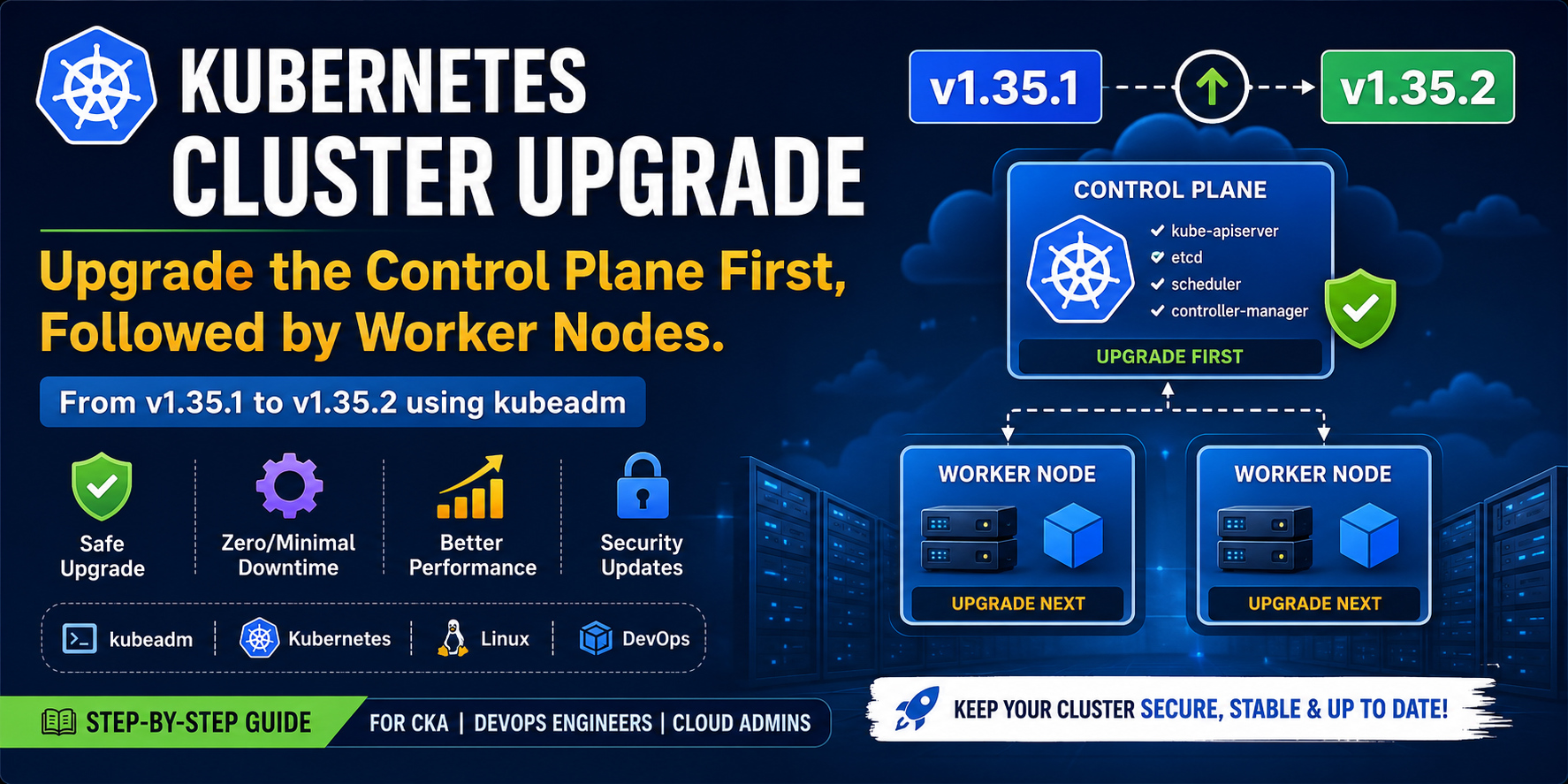
A Kubernetes cluster consists of two main components: The recommended upgrade order is: In this tutorial, we will upgrade a Kubernetes cluster from v1.35.1 to v1.35.2 using kubeadm. Kubernetes Cluster Architecture Prerequisites Before starting the upgrade, ensure that: Current Cluster Version Example Output Part 1 — Upgrading the Control Plane The Control Plane manages the Kubernetes cluster. It is responsible for scheduling Pods, maintaining cluster state, handling API requests, and