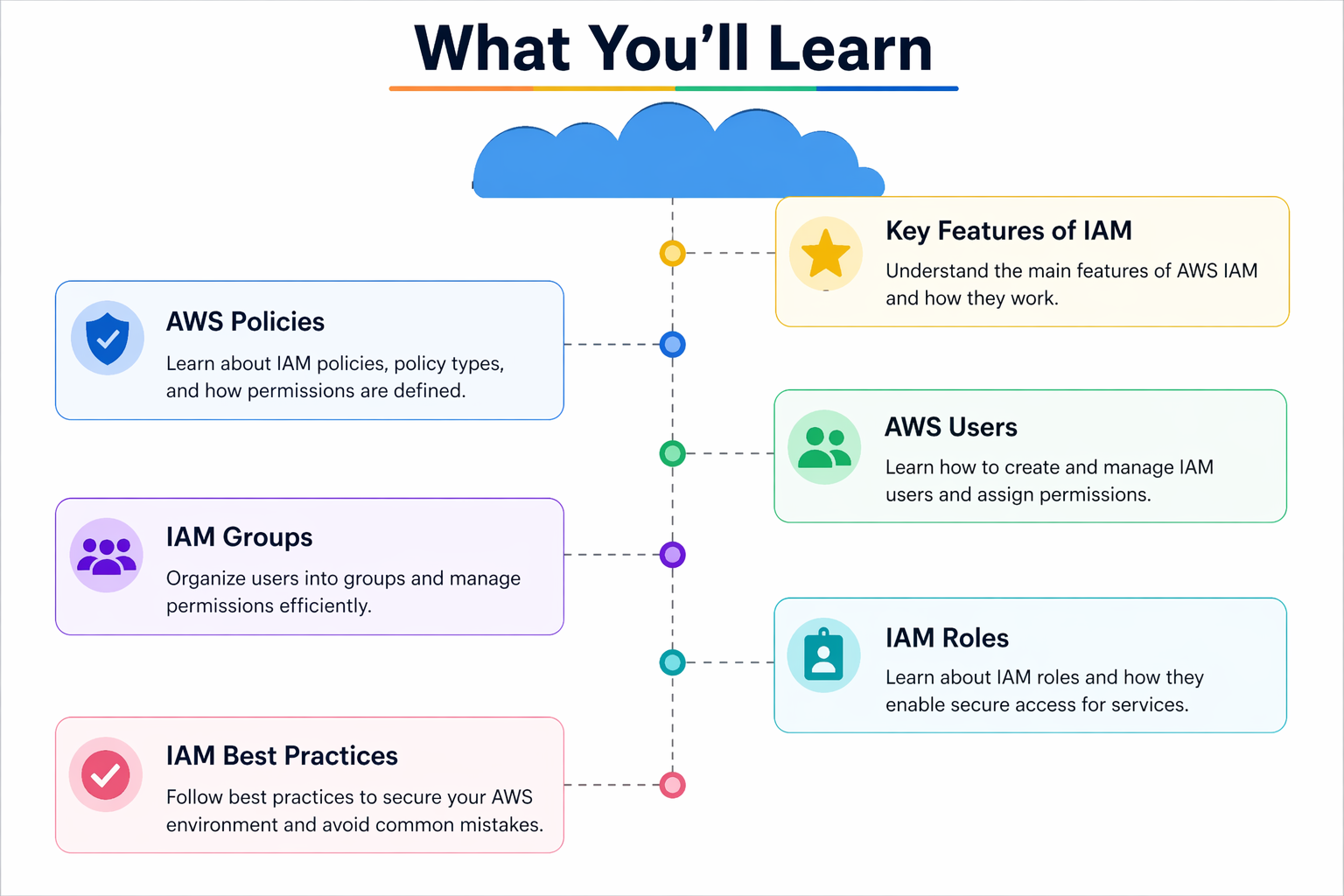
☁️ What You’ll Learn (AWS IAM Overview) The image shows the main parts of AWS IAM (Identity and Access Management). 👉 IAM is used to control who can access AWS and what they can do. 🔹 1. AWS Policies 👉 Policies are rules (permissions) ✅ Think: Policy = Permission rules 🔹 2. AWS Users 👉 Users are people or applications ✅ Think: User = Individual account 🔹 3. IAM Groups
Month: April 2026
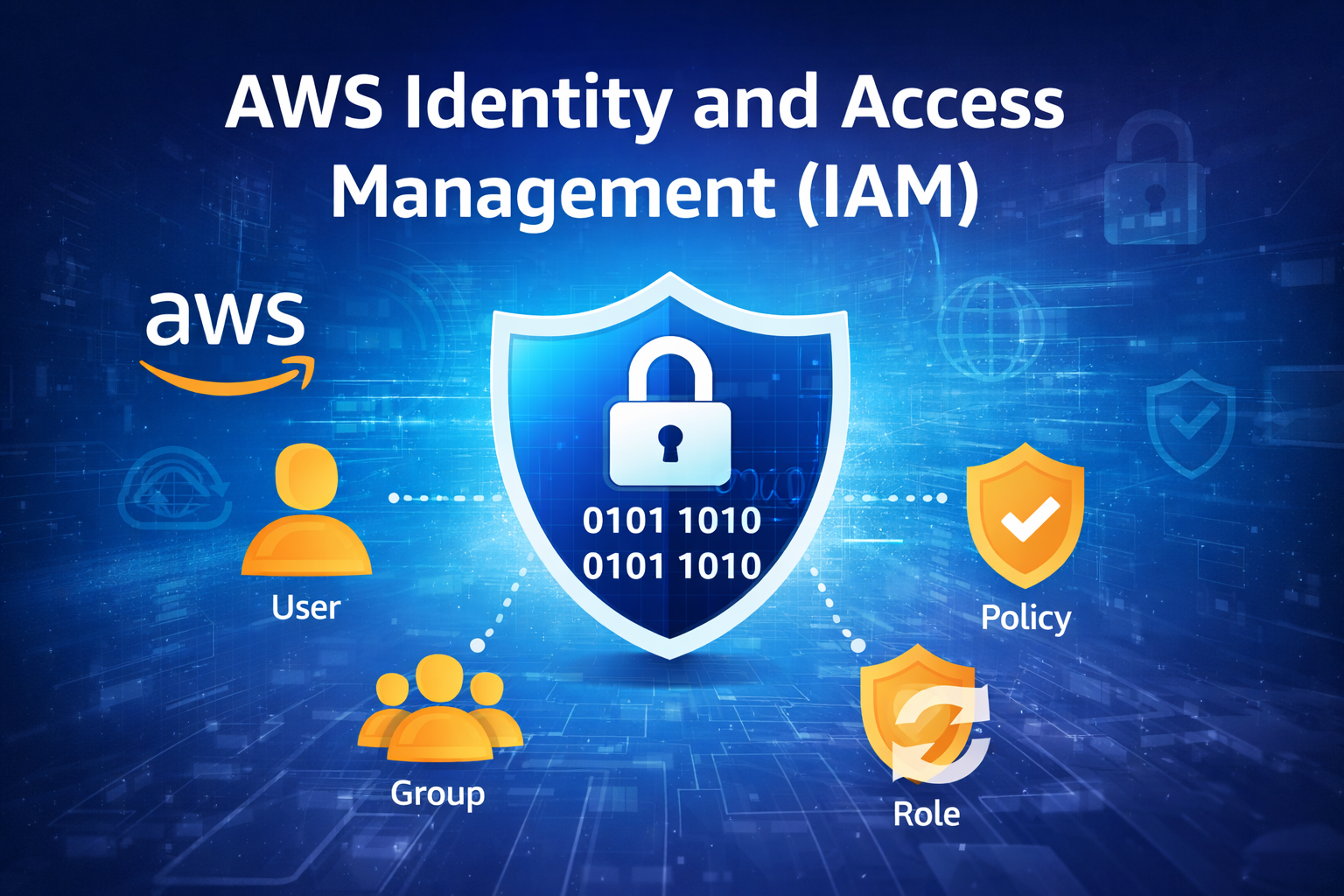
IAM is a service provided by Amazon Web Services that helps you securely control access to your AWS resources. 📖 Simple Definition 👉 IAM = Identity + Access Control System 🔑 Core Components of IAM 👤 Users 👥 Groups 📜 Policies 🔄 Roles 🔐 How IAM Works 🧠 Real Example 👉 IAM controls these permissions ⚙️ One-Line Summary 👉 IAM = Control over who can access AWS and what they
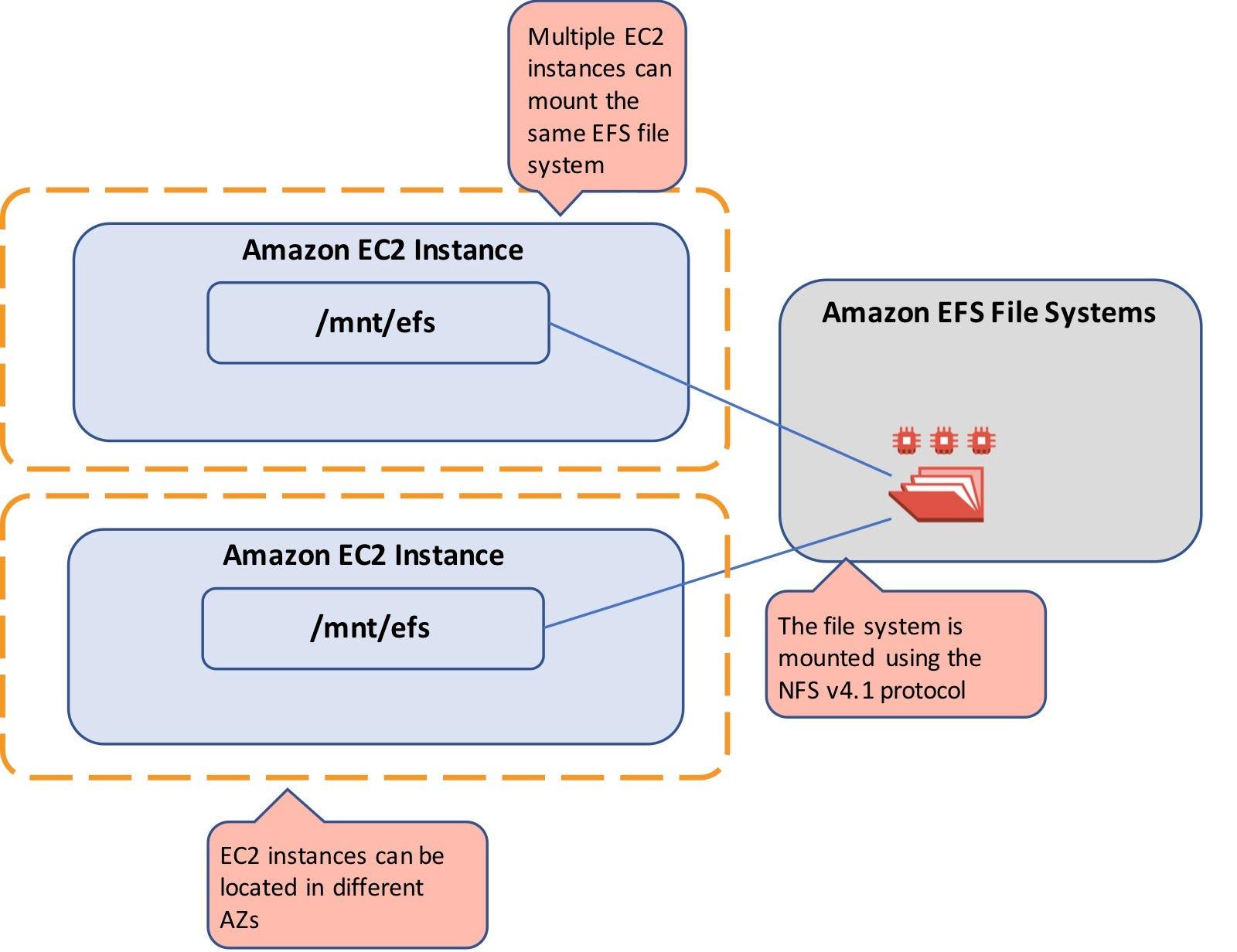
📌 Simple Definition 👉 Amazon EFS (Elastic File System) is a managed file storage service in AWS. 👉 It is: 🔹 What Type of Storage? 👉 EFS is a: ✅ File Storage (Not Block / Not Object) Storage Type Example Use Case File Storage EFS ✅ Shared files, web content Block Storage EBS Single server disk Object Storage S3 Images, videos, backups 🔹 Key Features of EFS 1️⃣ Shared Storage
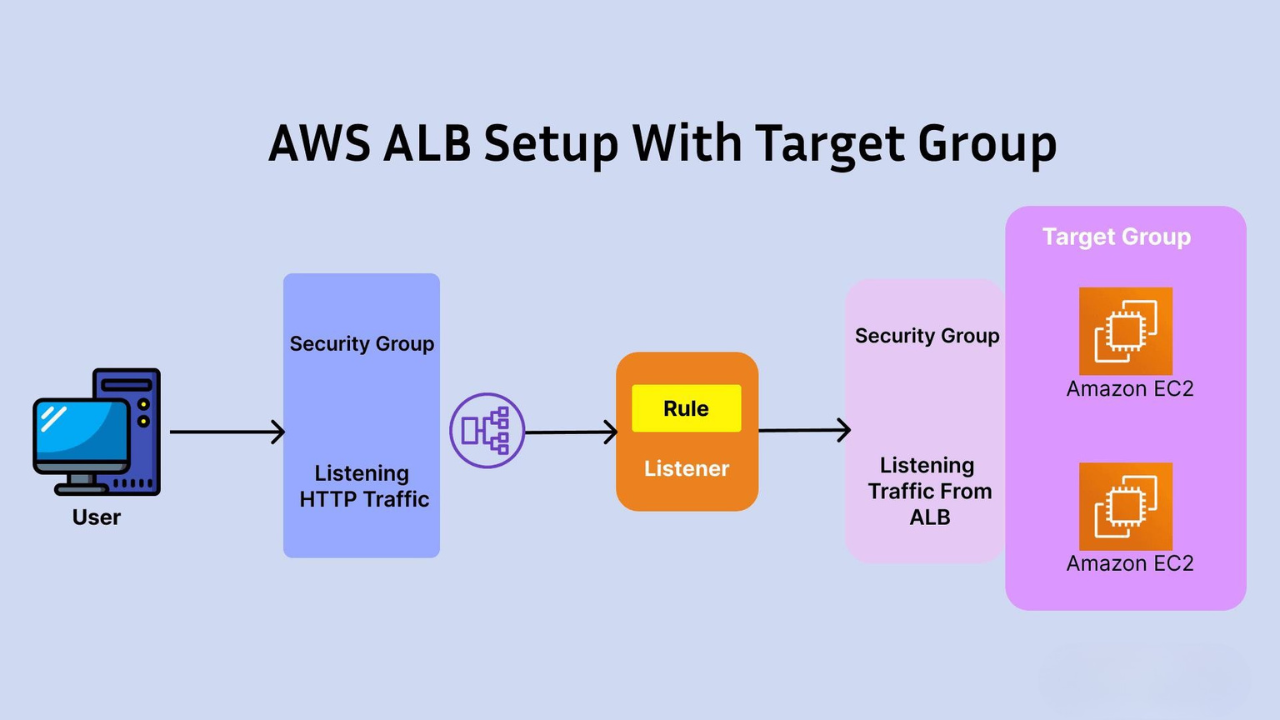
Flow:User → ELB (ALB Listener) → Target Group → EC2 Instances (in different AZs) 📌 Introduction In this guide, you will learn how to: We will use: 🔹 Step 1: Launch EC2 Instances (in Different AZs) 🛠️ Create First Instance (AZ-1) 👉 User Data: #!/bin/bashyum update -yyum install -y httpdsystemctl enable httpdsystemctl start httpdecho “Server 1 – AZ1 Working” > /var/www/html/index.html 🛠️ Create Second Instance (AZ-2) Repeat same steps: 👉