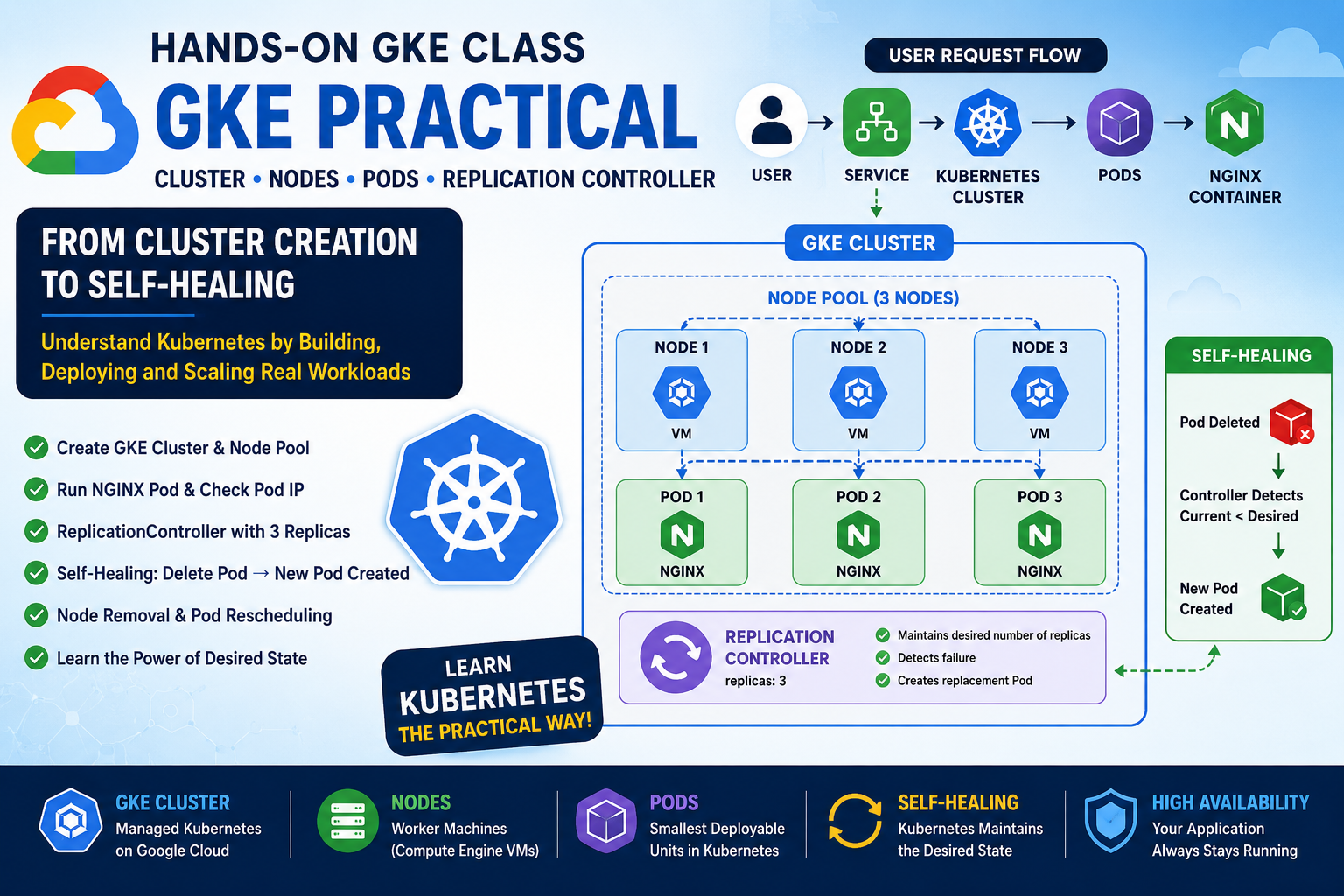
Google Kubernetes Engine (GKE) provides a managed Kubernetes environment on Google Cloud. In this hands-on class, I created a GKE Standard cluster, explored its nodes and underlying Compute Engine VMs, deployed an NGINX Pod, created a ReplicationController, tested self-healing, and finally simulated node removal. This practical exercise helped me understand an important Kubernetes principle: Kubernetes continuously works to maintain the desired state of our applications. 1. What is a Kubernetes
Tag: Kubernetes Cluster
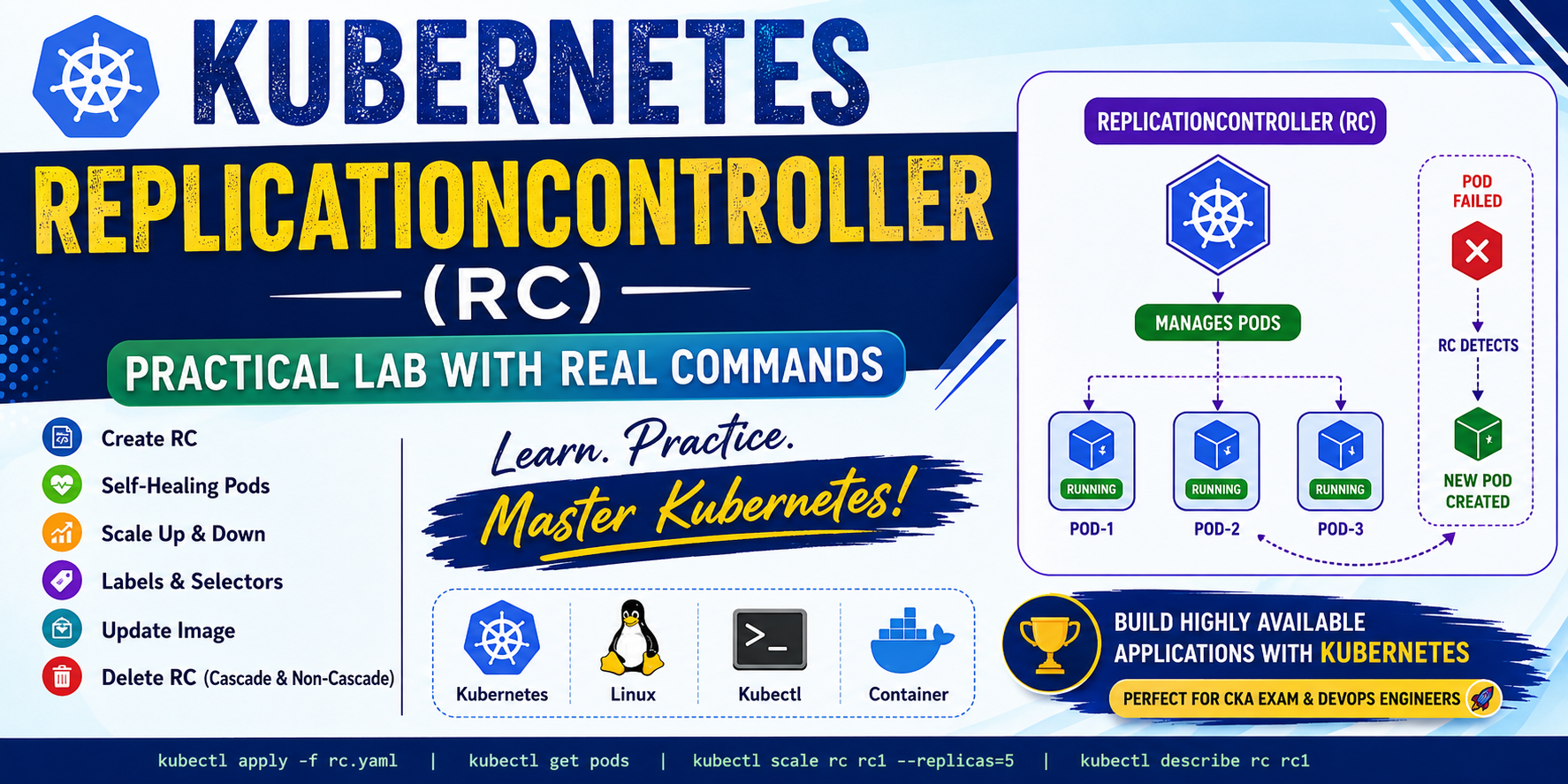
In this blog, I will demonstrate: What is ReplicationController? A ReplicationController (RC) ensures that a specified number of Pod replicas are always running. If a Pod crashes or is deleted accidentally, Kubernetes automatically creates another Pod. Responsibilities Lab-1: Create a Single Pod Create an nginx Pod. Output Check the Pod. Output Delete the Pod Output Check again. Output Notice that Kubernetes does not recreate the Pod because it is an
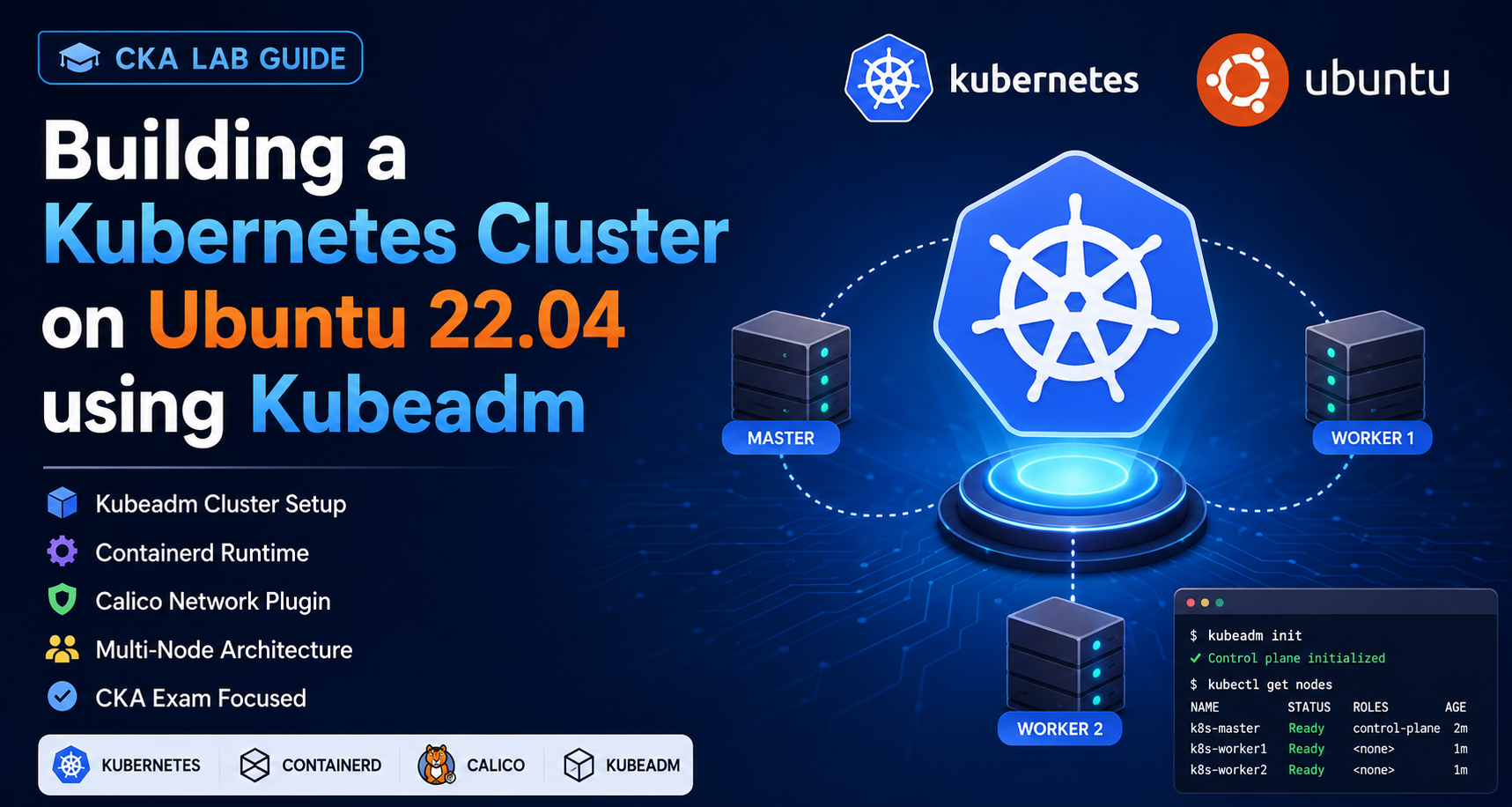
🌐 Introduction Kubernetes is the most popular container orchestration platform used by companies worldwide. As a CKA (Certified Kubernetes Administrator) candidate, one of the most important skills is building a Kubernetes cluster from scratch. In this lab, we will: ✅ Create a Kubernetes Cluster using Kubeadm✅ Install Containerd Runtime✅ Configure Kernel Modules✅ Install Kubernetes Components✅ Deploy Calico Network Plugin✅ Join Worker Nodes✅ Verify Cluster Health ☁️ Step 1: Create a