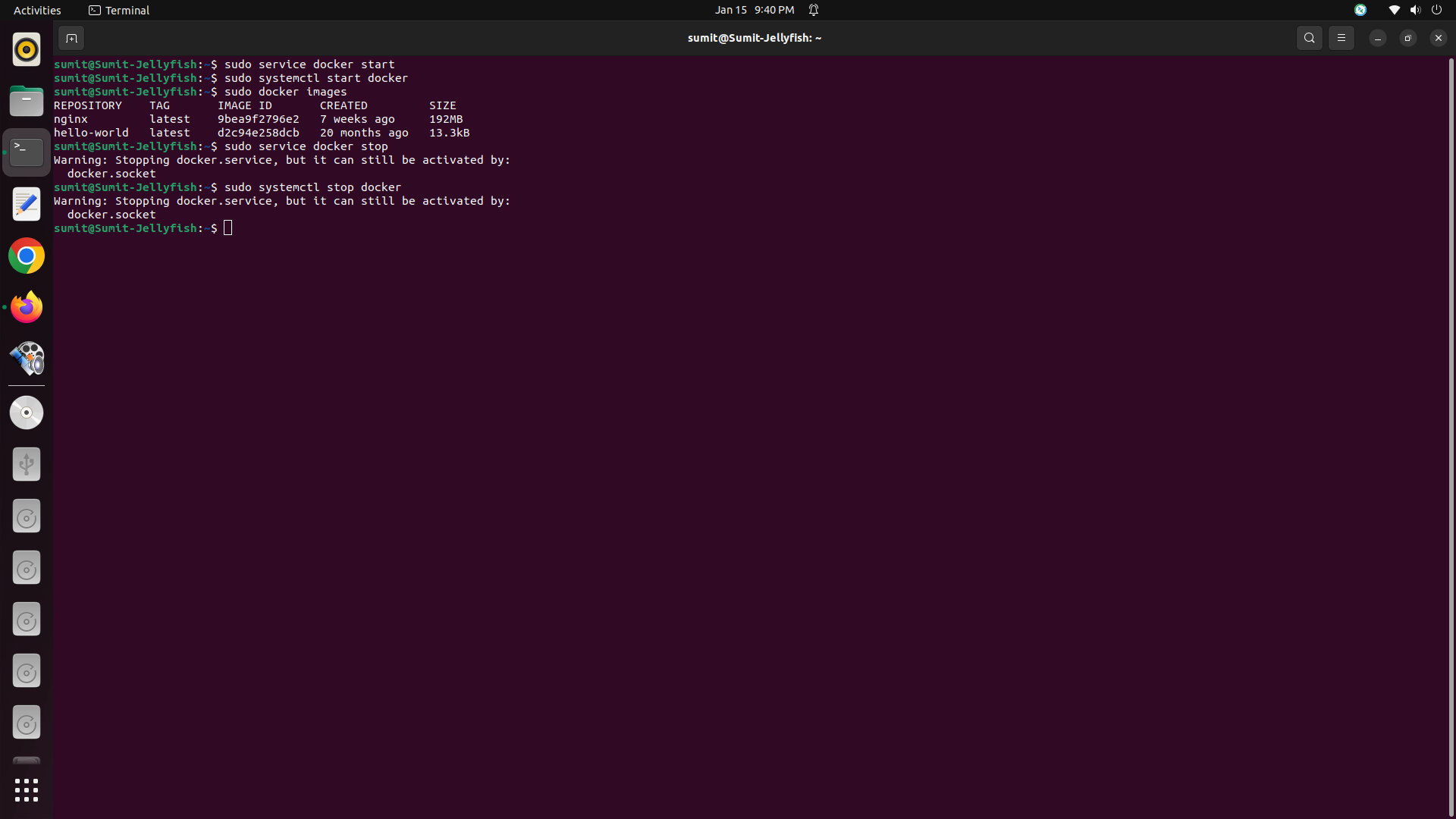
First open the terminal in Linux To start Docker :- To Stop Docker :-
To disable the release upgrade prompt.Go to /etc/update-manager/release-upgrades. First open terminal in ubuntu. **Edit /etc/update-manager/release-upgrades file from ‘Prompt=lts’ to ‘Prompt=never’. Press Ctrl+O Save it and Ctrl+x to exit and Restart System.

1.Create a Module in app/code(Example: Say_Hello). Then create a registration.php in app/code/Say/Hello/registration.php 2.Create a composer.json file for your module. 3.Create a module.xml in app/code/Say/Hello/etc/module.xml. 4.Create a InstallData.php in app/code/Say/Hello/Setup/InstallData.php(under Setup folder).For creating additional customer attribute. 5.Create a view file additional.phtml in app/code/Say/Hello/view/frontend/templates/additional.phtml to show additional field on customer registration form. 6.Create layout file named customer_account_create.xml in app/code/Say/Hello/view/frontend/layout/customer_account_create.xml. 7.At last run the following command. The mobile field will show like this.
Structure:- To start logging in our exceptions would be to inject the Psr\Log\LoggerInterface into constructor. And then write catch statement.
During installation the Magento 2.3.4 using Terminal in Ubuntu in my local system. I got the PHP Fatal error: Uncaught Error: Call to undefined function xdebug_disable() in vendor/magento/magento2-functional-testing-framework/src/Magento/FunctionalTestingFramework/_bootstrap.php:73 To remove this Error you have to follow steps:- Step1:- We have to go to the vendor/magento/magento2-functional-testing-framework/src/Magento/FunctionalTestingFramework/_bootstrap.php:73.

Magento 2 version are mostly use for building Ecoomerce website. That why I writing a blog to introduce how to create a simple Hello World Module in magento2. We know, In Magento2 the module is a directory that contain blocks, controllers, models, helper, etc – that are related to a specific business feature. The etc folder contains admin ACL, admin menu, configuration . In Magento 2, modules will be build