How to give READ and WRITE permission on LINUX
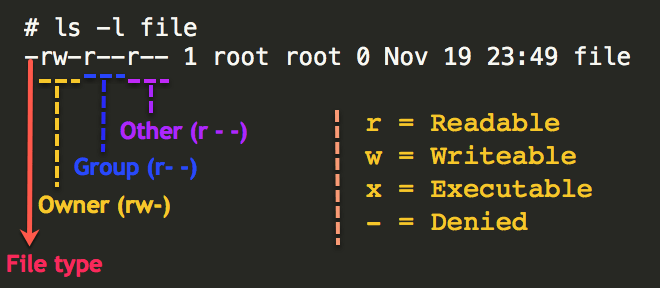
READ and WRITE permission on LINUX
Use the following steps
1.Go to to DRIVE and RIGHT CLICK on it .
2.U will see the username and drive key. copy it and close it.
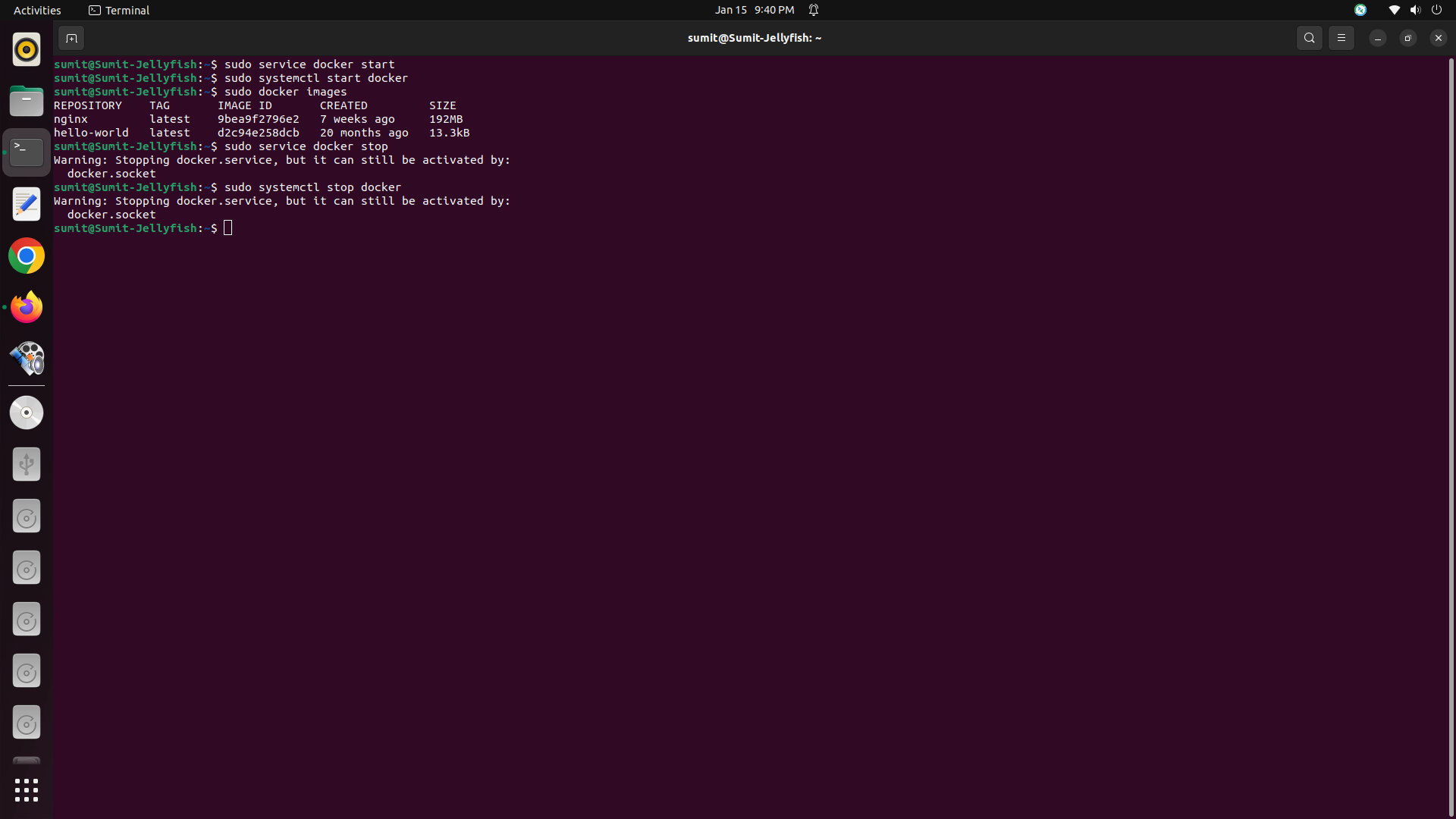
3. Then Open the Terminal fresh.
4. White the command sudo chmod ugo+wx /media/<user name>/<drive keyword>.
5.Paste User name and drive key properly.
6.Then Press Enter.
7.Now u can enjoy drive permission and Create,Delete,Edit,Rename folders and files.
Total Page Visits: 29148 - Today Page Visits: 7