What is EBS in AWS?What is Amazon EBS? Types of Elastic Block Store in AWS ExplainedWhat is EBS in AWS?

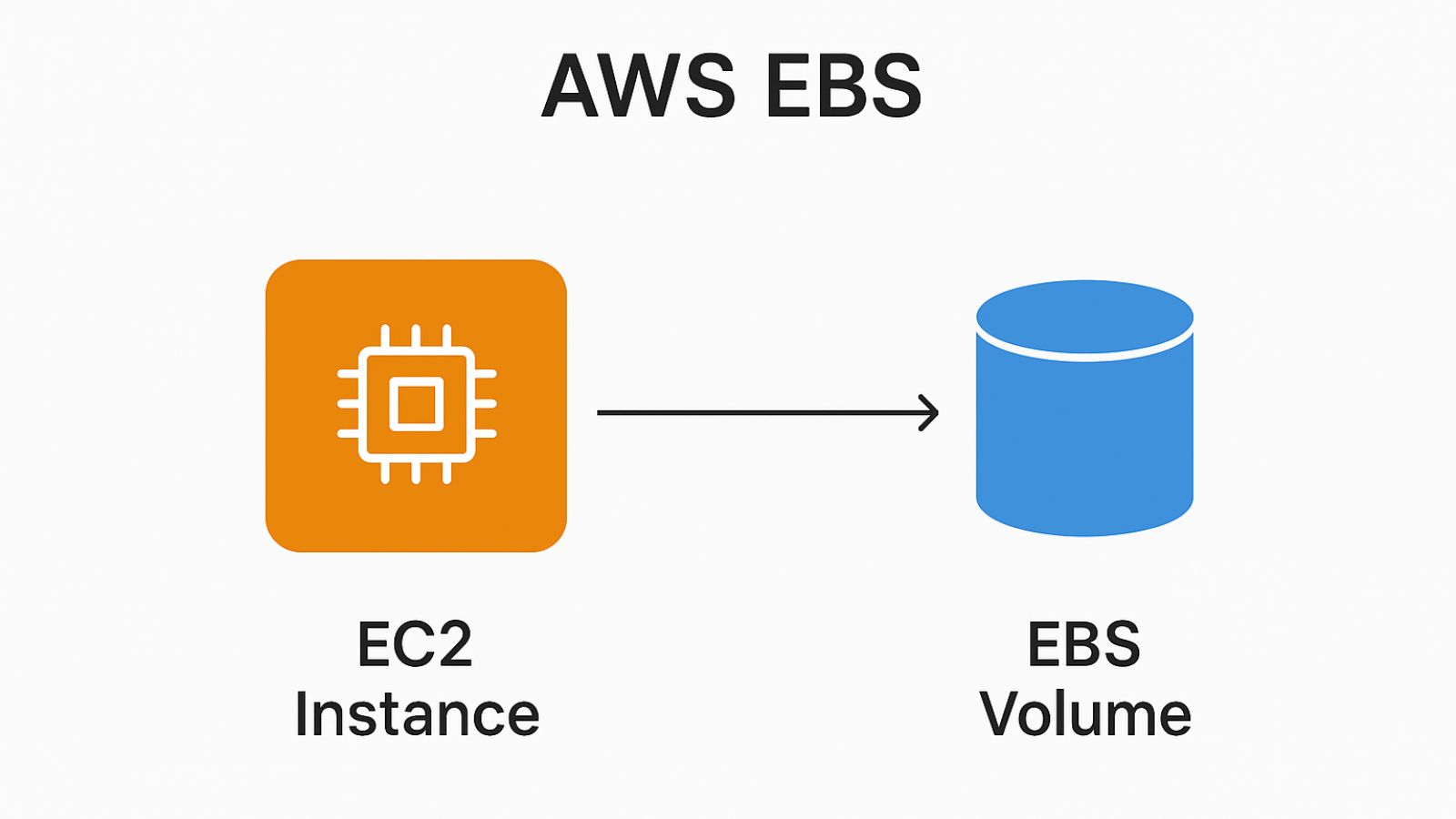
EBS is like a hard drive or SSD for your EC2 instances in the cloud.
Key Points:
- Block-level storage service for Amazon EC2.
- You can attach an EBS volume to an EC2 instance and use it just like a disk.
- Data stored in EBS is persistent (it remains even if you stop or restart the instance).
- You can detach a volume from one EC2 instance and attach it to another.
- Supports snapshots for backup and disaster recovery.
Common Use Cases:
- Running databases (e.g., MySQL, PostgreSQL).
- Storing application or system files.
- Handling big data or analytics workloads.
👉 In short:
EBS = Durable, scalable, and secure storage for EC2 instances.
Types of Amazon EBS volumes.
AWS offers different EBS volume types based on performance and cost.
Great 👍 Let’s go through the types of Amazon EBS volumes.
AWS offers different EBS volume types based on performance and cost.
1. General Purpose SSD (gp3 / gp2)
- Best for: Most workloads (web servers, dev/test, small databases).
- gp3 is the latest generation, cheaper and more flexible than gp2.
- Balanced price and performance.
- Can independently scale IOPS and throughput with gp3.
2. Provisioned IOPS SSD (io2 / io1)
- Best for: High-performance workloads like large relational or NoSQL databases.
- Designed for mission-critical, low-latency apps.
- Offers very high IOPS (up to 256,000) and durability (99.999%).
- More expensive than gp volumes.
3. Throughput Optimized HDD (st1)
- Best for: Big data, data warehouses, log processing.
- Optimized for sequential throughput rather than random I/O.
- Lower cost than SSD.
- Not ideal for small random reads/writes.
4. Cold HDD (sc1)
- Best for: Infrequent access workloads (archiving, backups).
- Lowest cost EBS option.
- Good for large, cold datasets.
- Lowest performance among all types.
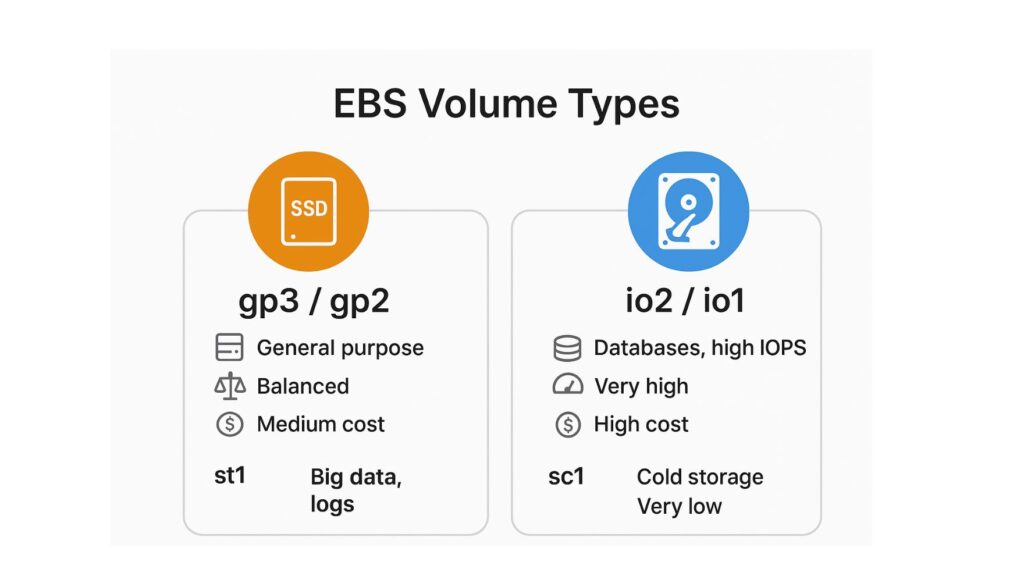
📌 Summary Table:
| Type | Storage Medium | Use Case | Performance | Cost |
|---|---|---|---|---|
| gp3 / gp2 | SSD | General purpose | Balanced | Medium |
| io2 / io1 | SSD | Databases, high IOPS | Very high | High |
| st1 | HDD | Big data, logs | High throughput | Low |
| sc1 | HDD | Cold storage | Lowest | Very low |
👉 In short:
- gp3 = Default choice for most workloads.
- io2 = For critical, high-performance databases.
- st1 = For big, sequential data.
- sc1 = For rarely accessed, cheapest storage.
Related posts:-
Total Page Visits: 2378 - Today Page Visits: 1